Product search for Shopify that finds what shoppers mean.
Findlane Search & Filters answers your theme's own search box as shoppers type, with photos, prices, and your collections and pages beside the products. rain jaket still finds the rain jackets, and Enter opens every match with filters, over the page. Install it, switch it on in the theme editor, and your products are in. No code.
Free for up to 10,000 products. Paid plans go on your Shopify bill.
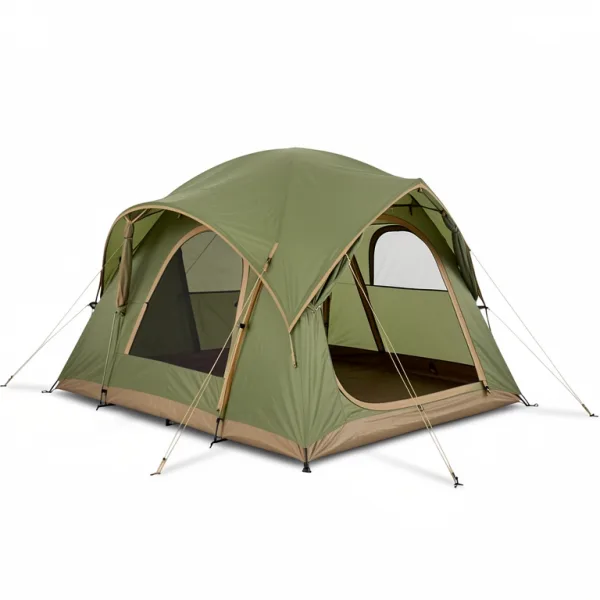
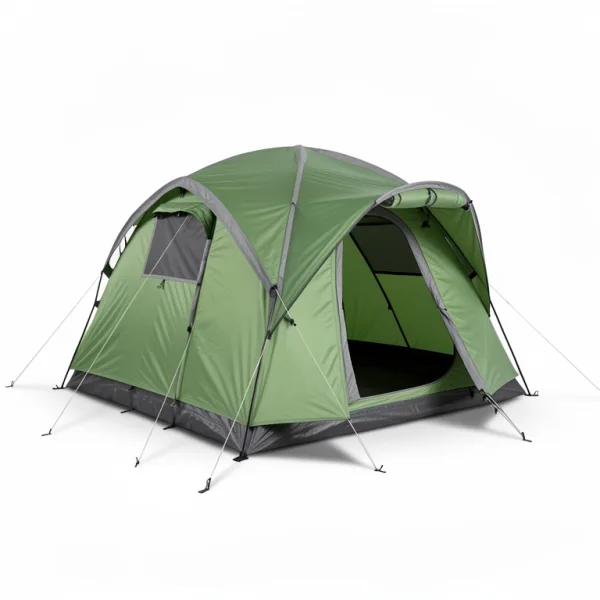
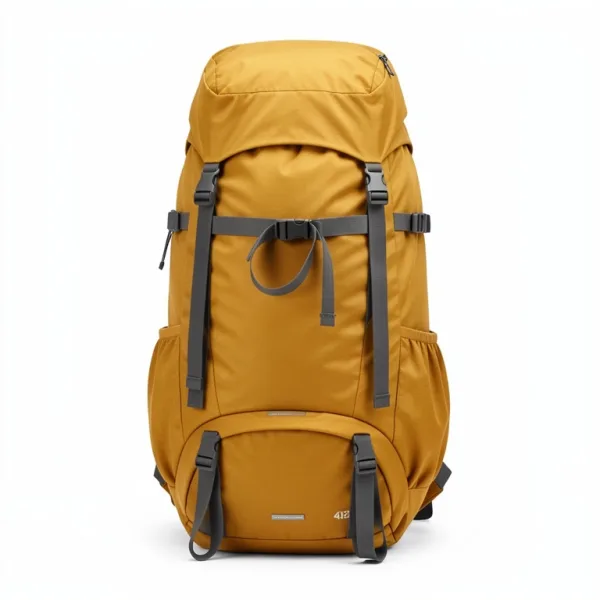
Your search box, answered by Findlane.
The app changes what shoppers see when they search, keeps your products in step behind it, and tells you what they searched for. Your theme stays as it is.
Products, collections and pages as shoppers type.
Your theme's search box shows products with photos, brands and prices from the first letters, with searches to pick above them, and up to three of your collections and three of your pages.
- A typo or two still finds what they meant, and Enter on a highlighted product opens it.
- Click into the empty box, and it shows the shopper's recent searches, kept in their own browser, and your store's popular searches.
- Collections and pages come from Shopify's own search of their titles, so they don't count as searches.
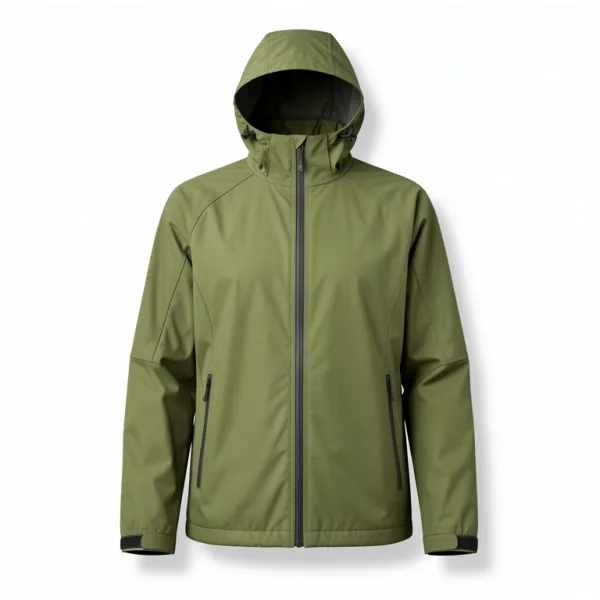 Stormcove Rain Jacket
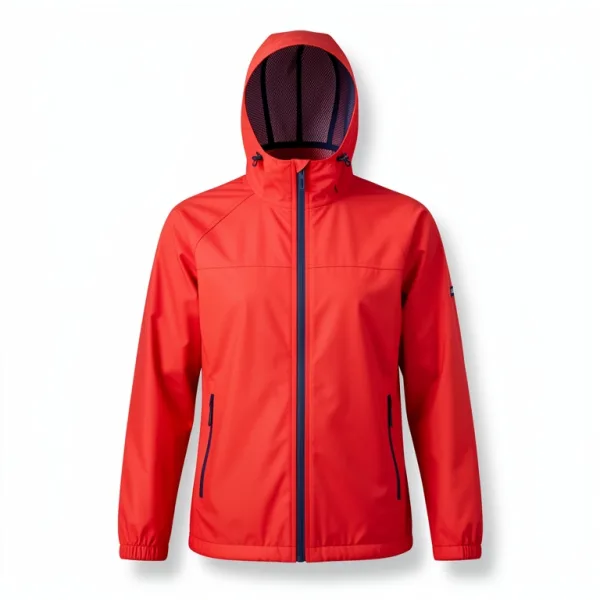 Everyday Rain Jacket
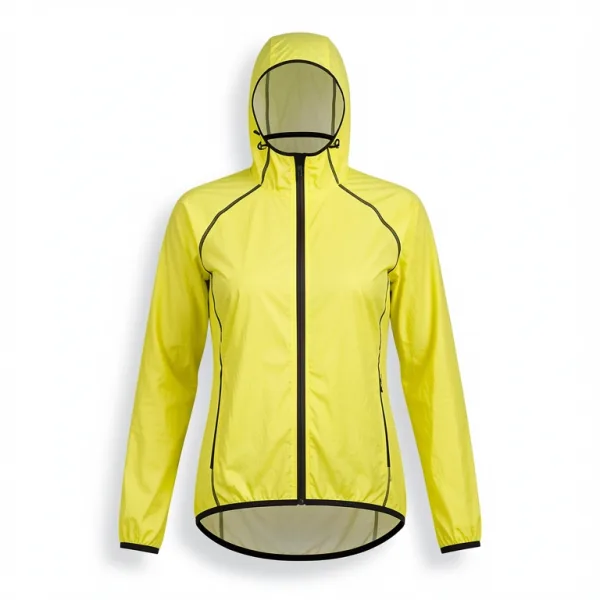 Screebank Ultralight Running Rain Shell
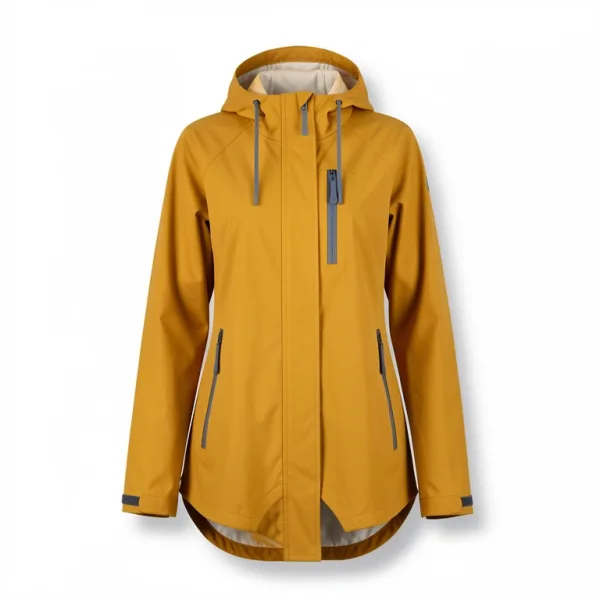 Women's Larkspur Rain Jacket
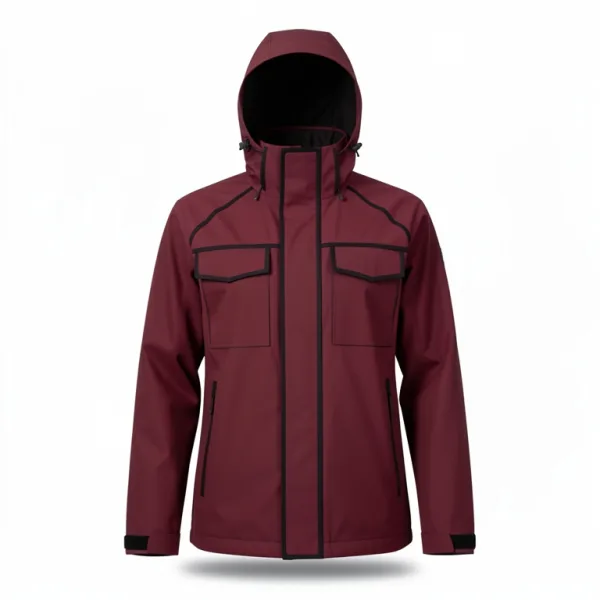 Brackenridge 3L Rain Shell
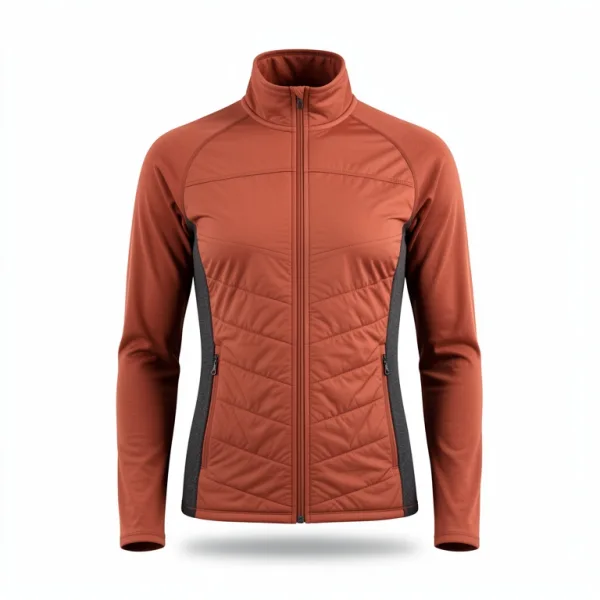 Howgill Thermal Running Jacket
Every match, with filters, over the page.
Enter, or See all results, opens Findlane's results over the page the shopper is on: every match, filters by brand and type, sorting by price, and more as they scroll. The back button closes it.
- The results use your theme's font, with the accent color you choose.
- Your rules' banners show among the results, and a search a rule sends elsewhere, such as
returns, goes to its page. - Synonyms, rules, and what comes first are set on the dashboard, a click from the app.
Your products, in search within seconds.
The app copies your active products when you install it, and follows every change after: a new product, a new price, a product selling out. Drafts and archived products stay out.
- Titles count most, then the vendor and product type, then tags and the description.
- Sync now in the app copies the whole catalog again.
- The app reads products, never your customers' names, email addresses or addresses.
See what shoppers search for, and what search sells.
The dashboard shows your store's searches, the ones that found nothing with why and a fix for each, what shoppers clicked, and the revenue that came from search. A summary comes every Monday by email.
- The app sends clicks and product views from your storefront, and purchases from checkout: products, quantities and prices, never who bought them.
- Nothing is sent until a shopper allows analytics, following your store's privacy settings in Shopify.
- Revenue from search needs visitor IDs, which you turn on in the app.
Ask Sidekick how search is doing.
Sidekick, the assistant in your Shopify admin, answers from Findlane: how search did this week, which searches found nothing and the synonym that fixes each, what shoppers see for any words, and how much search sold.
- There's nothing to connect: install the app, open Sidekick and ask.
- Sidekick only reads. Its answers link to the app, where Open in Findlane takes you to the view to make the change.
- The searches it runs to see what shoppers see are free, and stay out of your analytics.
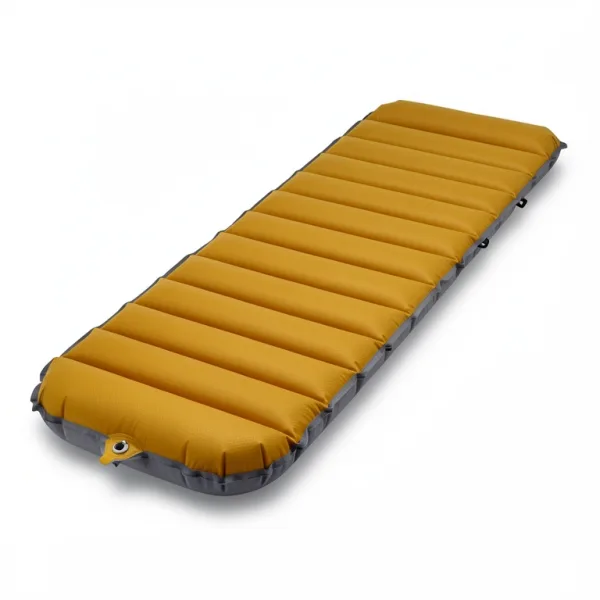 Featherbed UL Pad
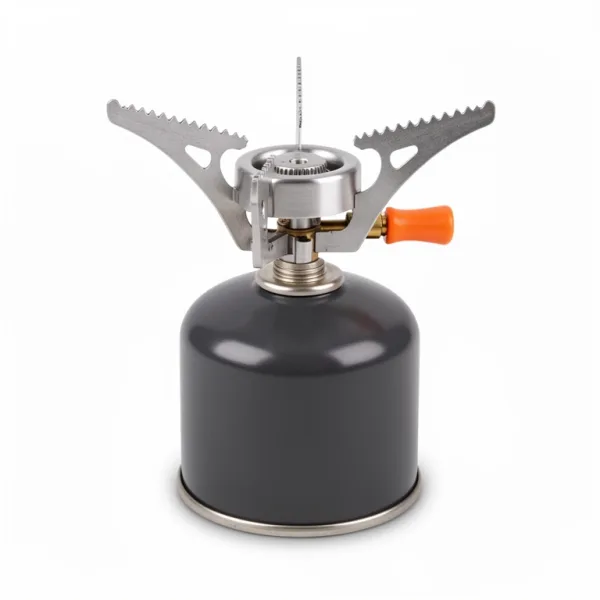 Flint Canister Stove
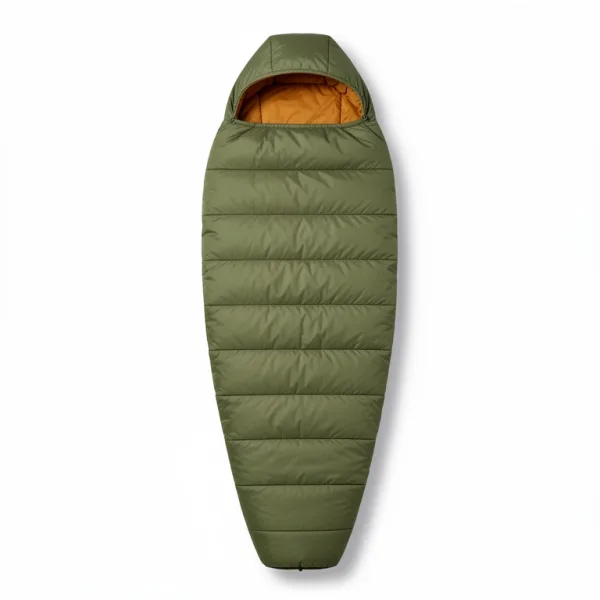 Owlet 20 Down Bag
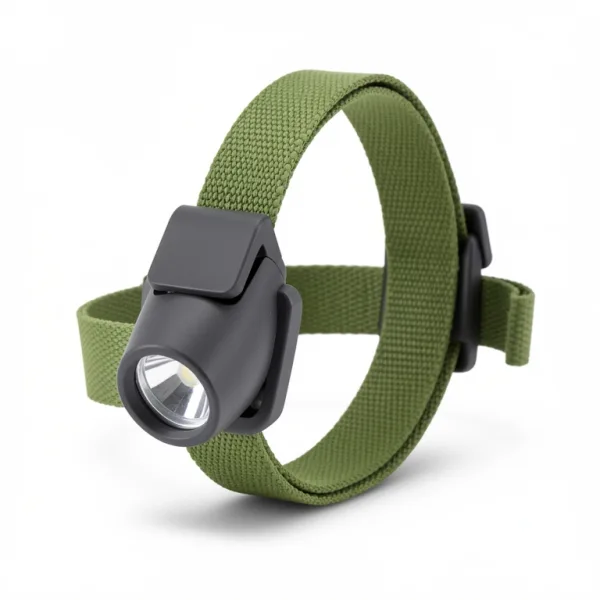 Spark 200 Headlamp
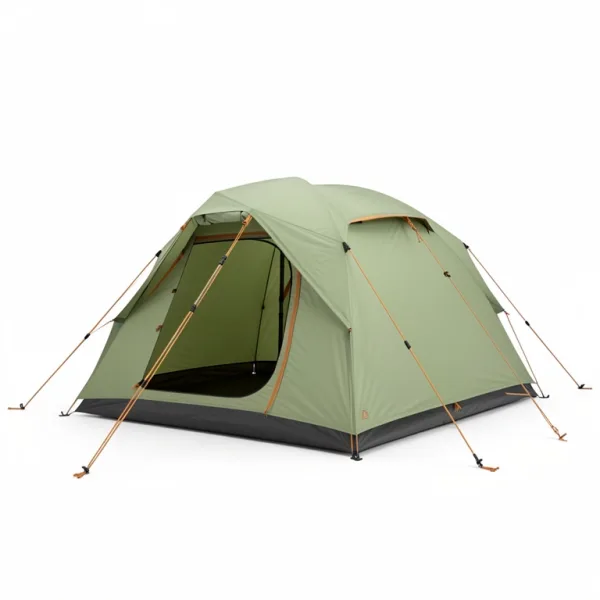 Glade 2 Tent
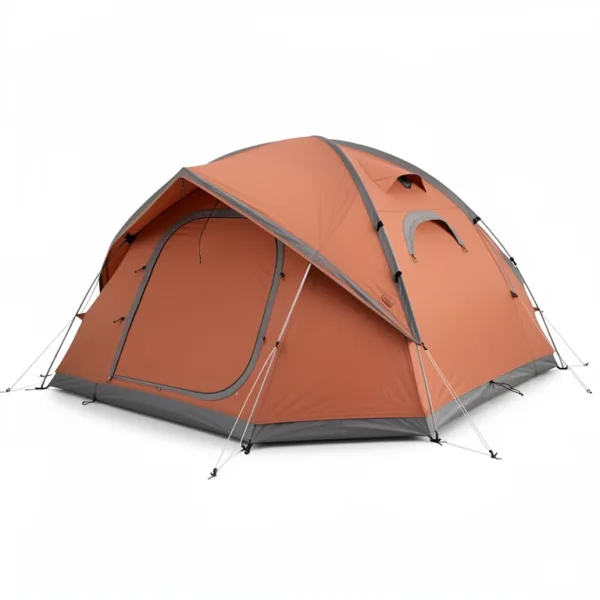 Tamarack 3 Tent
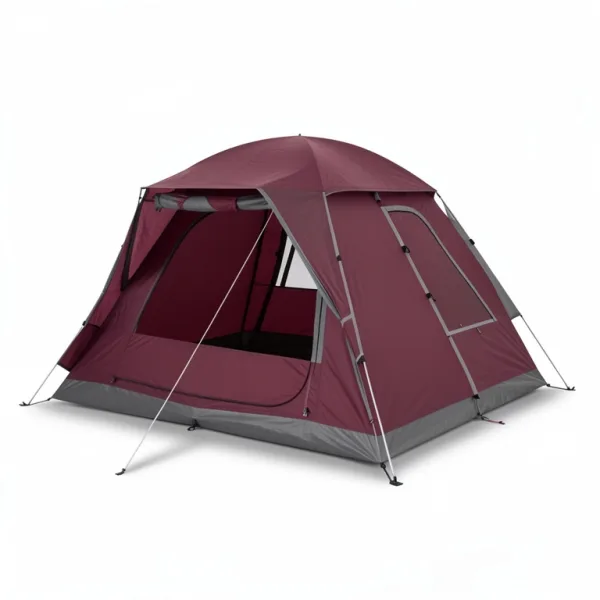 Kinglet 1 Tent
Recommendations on product pages.
The recommendations add-on gives product pages two lists, built from your catalog: products that go well with the one shown, and similar products to choose instead. Place the Recommendations block in the theme editor.
- Preview the lists for 20 of your products, free, before you add it.
- It goes on your plan's Shopify charge, priced by how many products it covers.
- The block uses your theme's fonts, loads as shoppers scroll near it, and can leave out products that are sold out.
Set up in three steps.
Nothing to code, and nothing to change in your theme.
Shopify App Store1Install
Install Findlane Search & Filters from the Shopify App Store. It opens in your admin, makes a Findlane workspace for your store, and copies your active products: a few hundred take seconds.
See it on the Shopify App StoreTheme editor › App embeds2Switch it on
In the app, choose Turn on in the theme editor, then Save. Your theme's own search box now answers from Findlane.
Your search box3Search
Type in your store's search box, with a typo if you like. Then open the dashboard from the app to see the searches come in.
Good to know.
- The app is on the Shopify App Store, and updates reach your store without you doing anything. Questions go to hello@findlane.dev.
- It works with your theme's own search box, so it fits any theme, and the app embed's settings in the theme editor set how many products show, the placeholder, and what shows in an empty box.
- Plans and the recommendations add-on are billed through Shopify, in US dollars every 30 days. On a development store, charges are test charges, never billed.
- The app signs in as the Findlane account with your store's email address. If you already have one, the store's workspace is added to it.
- For a headless store, search the store's index with the browser SDK, or load the search box with a script tag.
- Uninstalling puts your theme's own search back at once, and the store's data is deleted when Shopify asks, 48 hours later.
Questions, answered.
Will it slow my store down?
The search box script is about 14 KB gzipped, served from Shopify's CDN and loaded after the page. Searches go from the shopper's browser straight to Findlane, and are answered in milliseconds.
What does it cost?
Free for up to 10,000 products and 10,000 searches a month. Starter is $19 a month for 50,000 searches, on your Shopify bill. Collections and pages don't count as searches, and neither do searches by crawlers.
Do I need a developer?
No. Install the app and switch it on in the theme editor. Synonyms, rules and the rest are set on the dashboard, which the app signs you in to.
What does the app read from my store?
Your active products: titles, descriptions, vendors, types, tags, prices, stock and main images. It never reads your customers' names, email addresses, phone numbers or addresses. Clicks, product views and purchases come from your storefront, only once a shopper allows analytics.
Can I try it first?
Install it on a development store, where charges are test charges and never billed. Or search a demo catalog in the playground, with a typo or two.
Better search for your Shopify store.
Install the app from the Shopify App Store. It's free for up to 10,000 products, and a few hundred products are in within seconds.