Search analytics that tell you what to fix.
The search box is where shoppers tell you what they want, in their own words. See what they search, what finds nothing and why, where they click and what search sold, with a fix beside the searches a setting can fix.
From what they typed to what they bought.
The Analytics page covers every index in a workspace, or one. Choose the last 24 hours, 7, 30 or 90 days, and browser or server traffic, and each number is compared with the period before.
What shoppers search, in their words.
Top queries with the share that was clicked, the place usually clicked, and the share that found nothing. Beside them: searches nobody clicked, the filters and sorts shoppers use, and whether they typed a search or picked a suggestion.
- Searches without clicks found results nobody chose: the products are there, but not the right ones first.
- Countries, cities, devices and browser languages show who searches. A language your index doesn't handle yet suggests turning it on.
- Crawlers are left out, so top queries are your shoppers' own. The Traffic tab counts crawlers, scripts and your servers instead.
Searches that found nothing, and why.
Each query that keeps finding nothing says why: a typo, another word for something you sell, or something you don't sell. Where a setting can fix it, the fix is beside it, already checked by searching the query with it.
- An AI model picks only among words your index already has, and offers a fix only when it's very likely right.
- Fixes are one-way synonyms, so only searches for the typo change. Nothing changes until you add one, or all of them with Add all.
- Not sold here is demand worth knowing about: what shoppers came for that you don't carry.
- Each query opens to the filters and sorts it was searched with, and Try opens it in the playground.
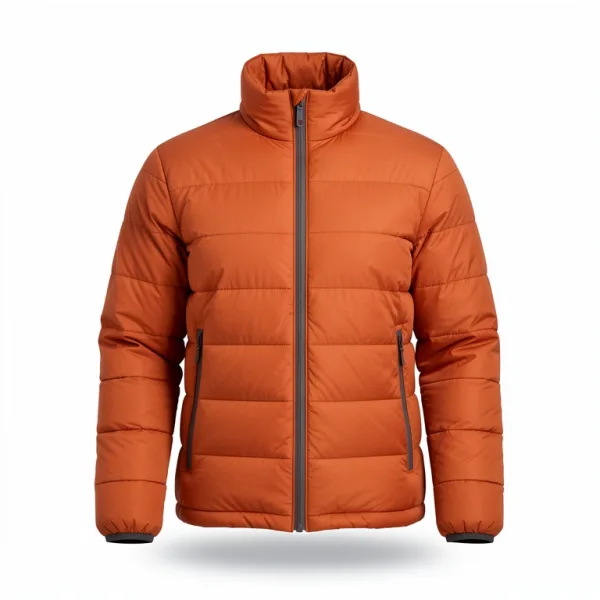 Larchmere Down Jacket
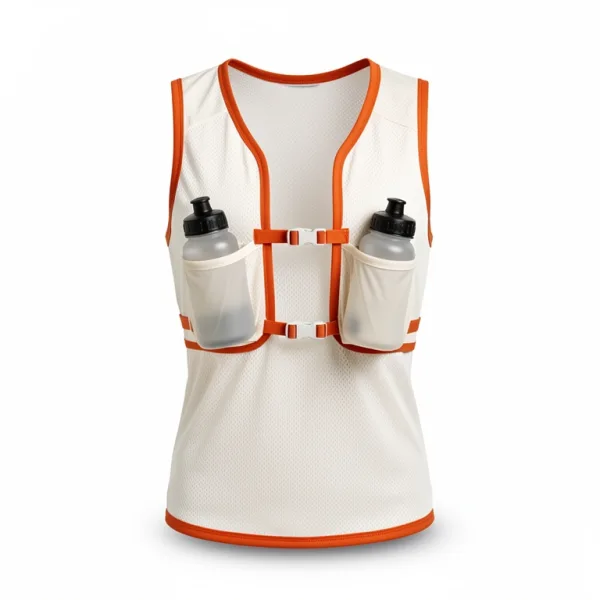 Swiftline 5 Running Vest
Where clicks land.
Once your pages send clicks, see which places in the results get them, and the searches whose shoppers usually click below the top three, with the result they pick most. That product probably belongs higher.
- React's components and the Shopify app send clicks for you. Anywhere else, it's a line of code a click.
- Move the product up for that search with a pin or a boost, and preview what else moves before you save.
- Searches with more than one page show how often shoppers click past the first.
Revenue from search.
See the value of orders with a product the shopper clicked in search results in the 24 hours before, beside all your orders, for each query and each product.
- It needs visitor IDs on, clicks on search results, and purchases with prices. The Shopify app sends purchases from checkout.
- Each order counts once, by its order ID, even when your pages and your server both send it.
- A query typed on the way, such as
headforheadlamp, counts as the longer one. - It counts orders with a product found through search, not sales search alone caused: a shopper might have bought it anyway.
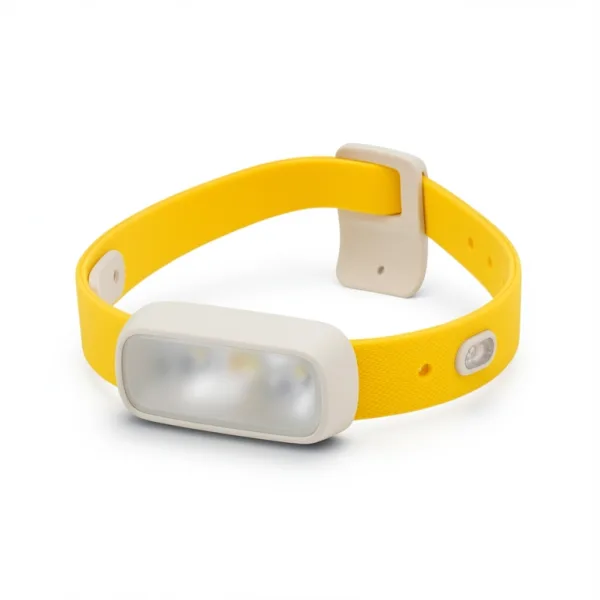 Pacer 500 Running Headlamp
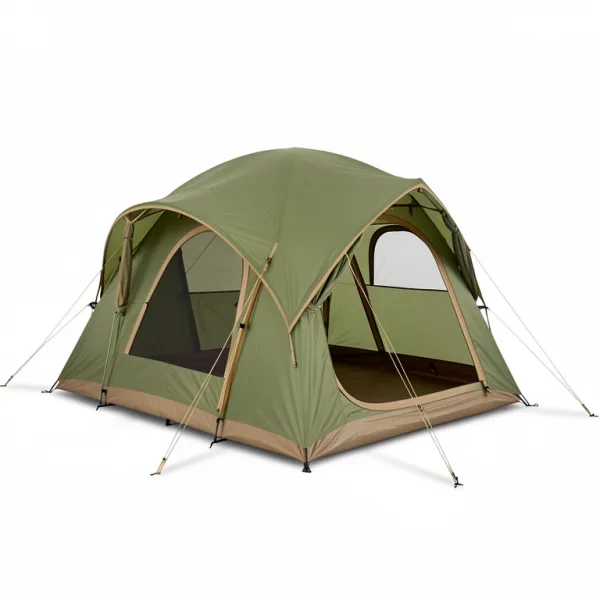 Larch 2 Backpacking Tent
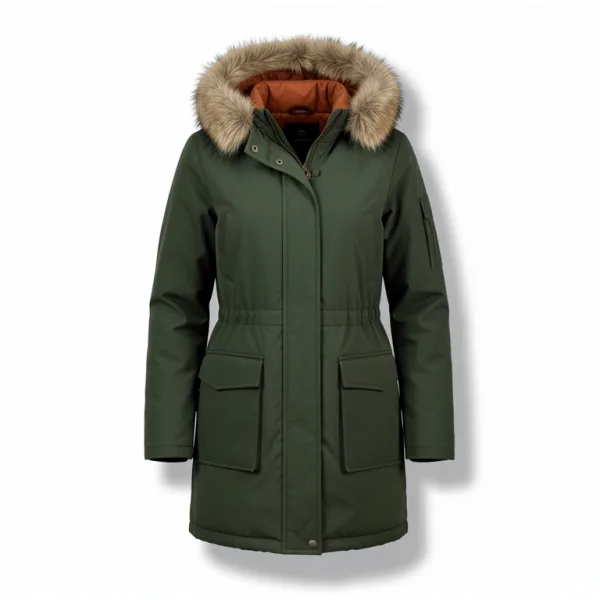 Longwinter Down Parka
Products: viewed, clicked, bought.
The Events tab counts each product's views, clicks from search, add-to-carts and orders, exactly, from every event. Viewed, not bought lists products with many views and few orders, which may need better photos, prices or descriptions.
- A product page sends its view with one call, or none with the Shopify app.
- Events carry no cookie or customer details, and no ID unless you turn on visitor IDs.
- Events are kept for 13 months, and search analytics for three.
A Monday email for the whole team.
Every Monday, each member of a workspace gets last week in one email: searches, what found nothing, response times, top searches, revenue from search, clicks, the most viewed products, who searched, and plan usage.
- Turn it off for a workspace under Settings, Email, or with the link in each email.
- A workspace with no searches that week or the week before gets none.
- The setting can send you last week's report again.
The searches count themselves.
Search analytics start with the first search, with no code. The rest comes from events your pages send, or that Findlane's React components and Shopify app send for you.
clickClicks
Click-through and the place usually clicked, where clicks land, searches nobody clicked, and the clicks on each recommendation list.
viewProduct views
The Events tab's products and Viewed, not bought, and which products get recommendations first in a catalog without popularity.
purchaseOrders
Revenue from search, with visitor IDs on, each product's orders, and Bought together recommendations.
In your own admin, or your agent's hands.
The analytics API gives the same reports to your own dashboards, with a key that has only the analytics scope. AI agents read them through the MCP server.
// A key with the analytics scope, from your server onlyconst products = client.index("products")const { totals } = await products.analytics.searches({ range: "7d" })totals.noResultRate // 0.041const { queries } = await products.analytics.queries({ list: "noResults", limit: 20 })const revenue = await products.analytics.revenue({ range: "30d" })revenue.searchRevenue // 18420, of revenue.revenue in all orders
// A search result was clicked: its place, from 1, and the queryclient.events.click("fellcraft-hoarfrost", { query: "winter trail shoes", position: 3,})// A product page showedclient.events.view("fellcraft-hoarfrost")
› What did shoppers search for last week that found nothing? Fix what you can.
get_search_analytics4,210 searches · 3.9% found nothing
get_no_result_fixes5 typos · 2 other words · 3 not sold here
apply_no_result_fixes7 one-way synonyms added
Good to know.
- Analytics are on every plan, Free included, and reading them never counts as searches.
- Search analytics are kept for three months, and events for 13 months.
- Numbers are about a minute behind, and product counts about two minutes.
- Filter values are recorded for browser searches.
- Events don't count as searches. Events from crawlers and scripts are dropped.
- The analytics API works only from servers: a key with the
analyticsscope fails at once in a web page.
Questions, answered.
Do I need to add tracking code?
Not for search analytics: searches are counted as they're made, from the first one. Clicks, product views and orders come from events. Findlane's React components and the Shopify app send clicks for you, and anywhere else each event is a line of code.
Are bots in my numbers?
No. Crawlers' searches are left out of search analytics, so top queries and searches that found nothing are your shoppers' own. The Traffic tab counts them instead, beside visitors, scripts and your servers, with what was refused and why.
How is revenue from search counted?
An order counts when it has a product the shopper clicked in search results in the 24 hours before, and the product counts for the query of the last search click on it. Each order counts once. It shows what search led to, not sales search alone caused.
Does it need cookies or consent?
Events carry no cookie or customer details, and no ID unless you turn on visitor IDs, which revenue from search needs. If your consent banner should cover events, the browser SDK can hold them until the shopper agrees.
Can I show the numbers in my own admin?
Yes, with the analytics API and a key that has the analytics scope, from your server. The server SDK has a method for each report, and requests aren't counted as searches.
Can an AI agent read them?
Yes. Connect Claude Code, Cursor or another MCP client, and it can read search, event, product and revenue analytics, see why searches found nothing, and, with an owner's access, add the fixes.
More features.
Merchandising
Pin, boost and hide products on category pages and searches, and run campaigns that start and end by themselves.
Read moreRecommendations
Products that go with each product, similar ones to choose instead, and products bought in the same orders.
Read moreTypo tolerance
Misspelled, half-typed and run-together searches still find the product, with a correction or related results when nothing matches.
Read moreEvery feature
Search, filters, merchandising, recommendations, analytics, and the rest.
See them allSee what your shoppers search.
Analytics fill in from the first search, on every plan, Free included. Connect your search box, and next Monday's email shows what shoppers looked for.