Merchandising for every search and category page.
Put the new arrival first on the shoe page, keep what's sold out at the bottom, and run a sale that starts and ends on time. Arrange a page by dragging products on a grid, or write the rules in code, and see what moves before your shoppers do.
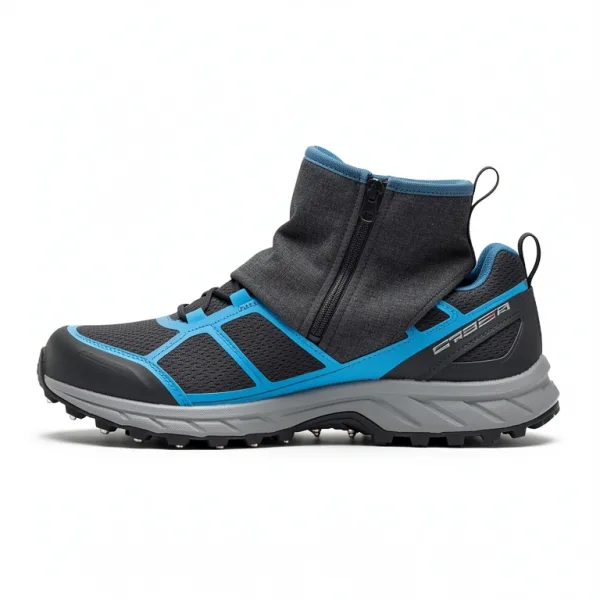 Hoarfrost Winter Trail
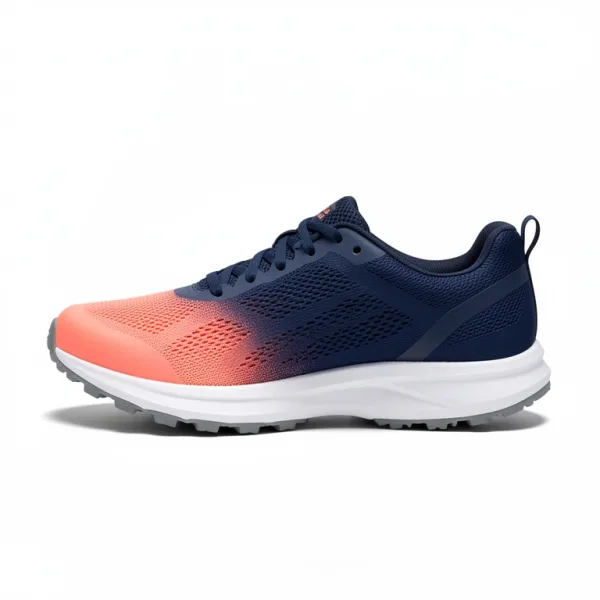 Ridgeline Trail 3
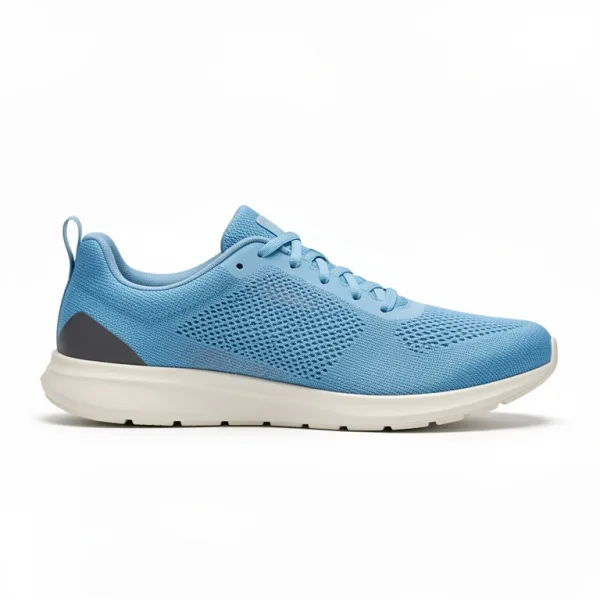 Cadence Road Knit
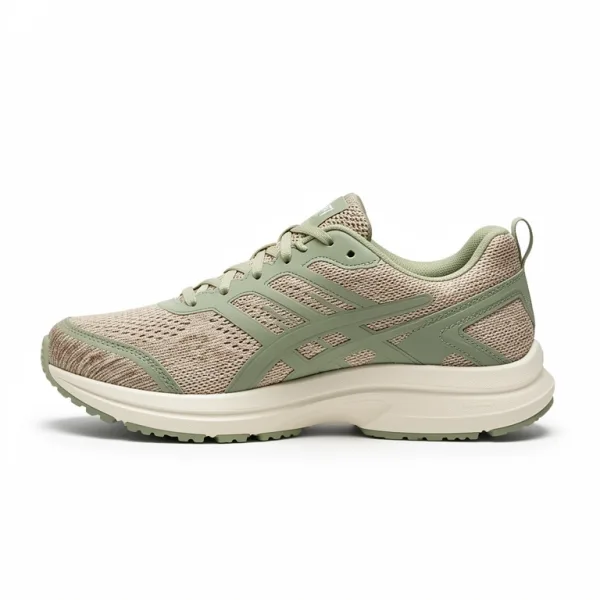 Aster 2 Max Cushion
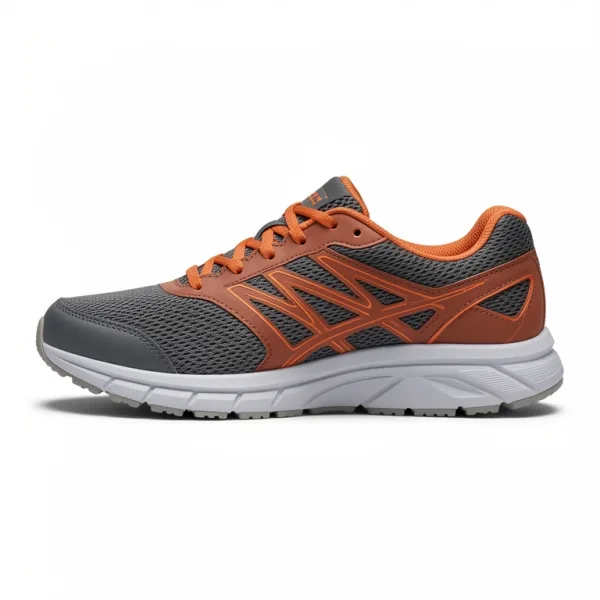 Meridian 5 Road
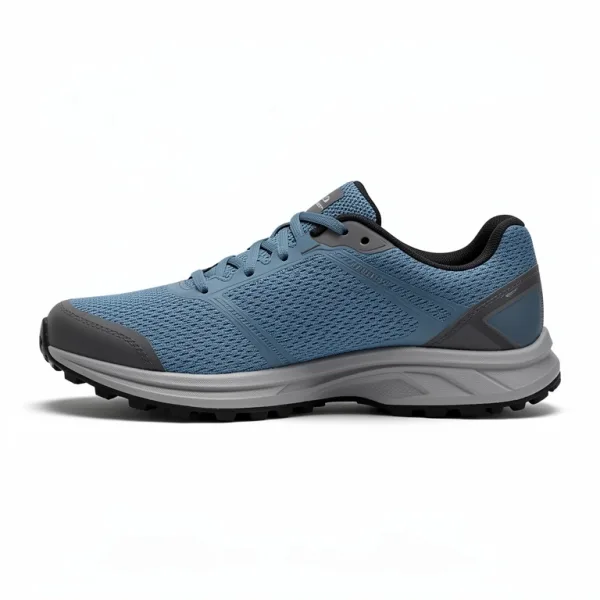 Talus Ridge Waterproof
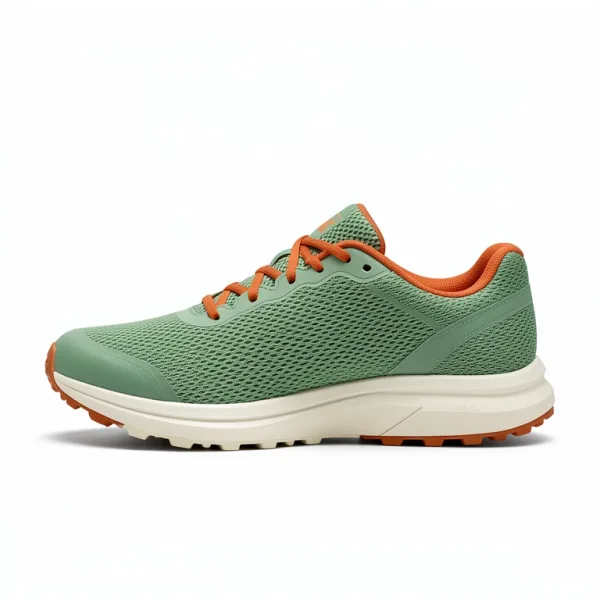 Bracken 2 Trail
Every product where you want it.
Each change is a rule: what it does, where it applies, and when. Rules apply as shoppers search, so a change is live within seconds, with nothing to rebuild.
Pin a product to its place.
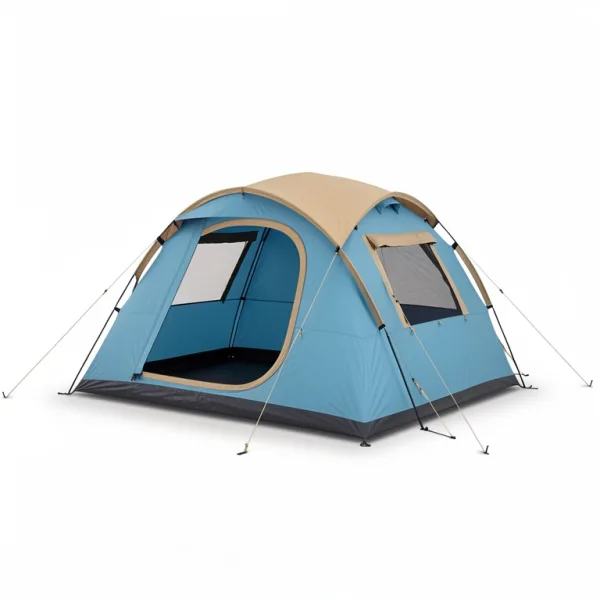
Drag a product to a place on the grid and it stays there: the new trail shoe first on the shoe page, or your best tent at the top of searches for tent.
- A pin holds its place on every sort, price included, on searches with words and on pages without them.
- A pinned product shows only where it passes the page's filters, so a jacket can't land on the shoe page.
- Up to 20 pins a rule. Pinned results carry
pinned: true, for a badge of your own.
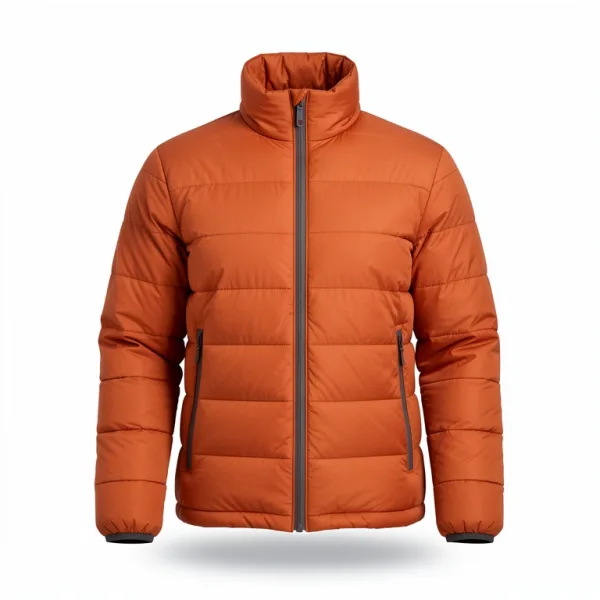 Larchmere Down Jacket
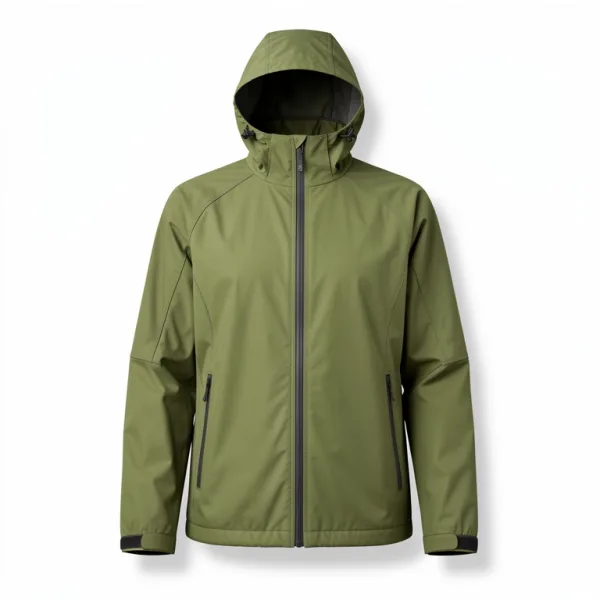 Stormcove Rain Jacket
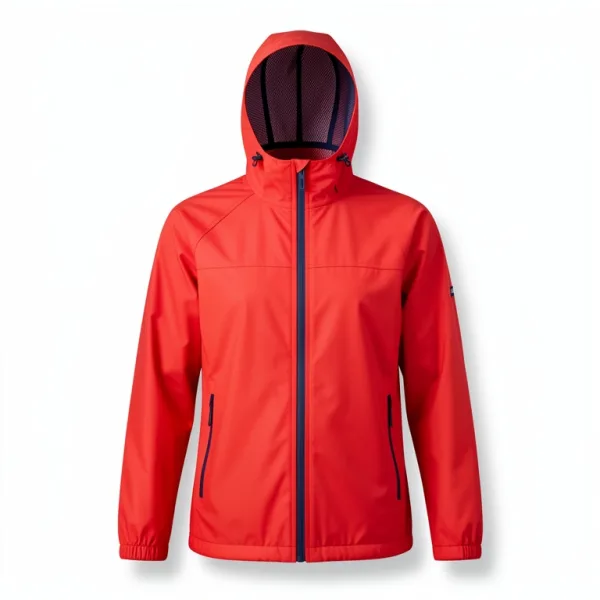 Everyday Rain Jacket
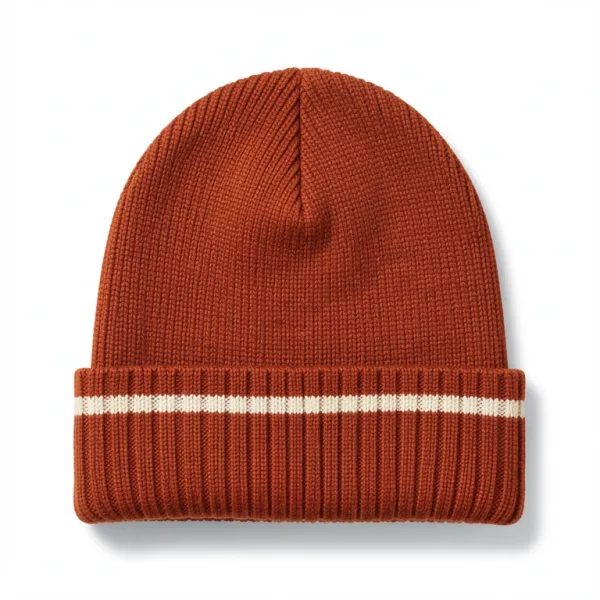 Frostline Merino Beanie
Boost, bury or hide.
Put a brand or the sale first, push accessories below the products they go with, or leave something out of the results entirely, such as a repair service among the jackets.
- Boosts and buries add up: a product two rules boost comes before one that a single rule does.
- With in stock first, a boosted product that's sold out stays below what can be bought.
- Boosts reorder results sorted by best match. A shopper who sorts by price gets price order.
Campaigns that start and end by themselves.
Give a rule a start and an end, and it turns itself on and off: the sale's products first from Friday midnight, winter boots first through December. Nothing to deploy, and no one up at midnight.
- Cached results follow within about a minute of each time, with no settings change.
- A page can send a context, such as
black-fridayorstore:downtown, for rules that apply only there. - The settings page shows each rule's times in your time zone, and whether it's scheduled, active or ended.
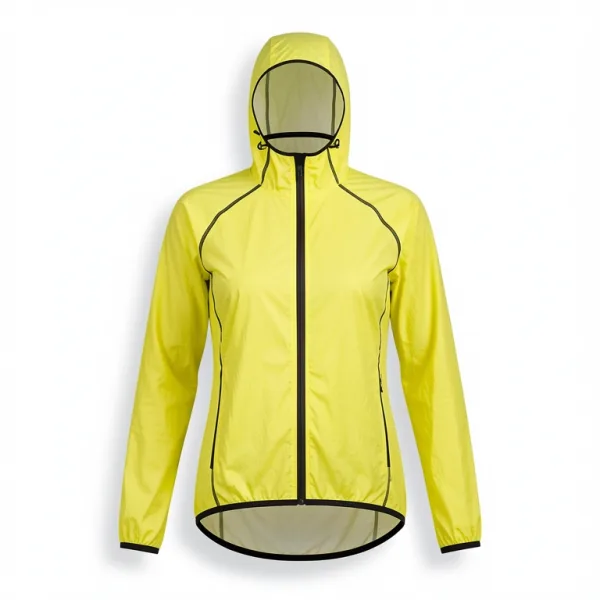 Screebank Rain Shell
Banners and redirects.
Show the sale's banner among the results, at the place you choose, and send searches such as returns or shipping straight to the page that answers them.
- React's results show banners at their places, and its search box follows redirects when a shopper presses Enter.
- The Shopify app does both, with no code.
- Or return data of your own with a rule, up to 4 KB of JSON, for whatever your page should show.
Rules for what shoppers type.
A rule can also fire on the words of a search: tents before tent pegs for tent, or other words searched instead. With a placeholder, one rule covers every number or brand a shopper types.
{number} person tentcan search tents that sleep that many, for every number.- Phrases match the way synonyms do: case, accents, plurals and other spellings don't matter.
- Rule hits show how many of last month's searches a rule on words would catch, before you turn it on.
 Summit Mid Hiker
See what moves before you save.
Preview changes runs your most searched queries and your search tests with the saved settings and with your changes. It shows the results that would move, the searches that would find less, and the tests that would start failing.
- Search tests keep the searches that matter working: a product in the top 3, a service out of the top 20, at least 100 results.
- In the playground, Why this result? names the rules that boosted or buried each result.
- Previews don't count as searches.
The order underneath.
Rules work on top of an order you set once, for every search and every page.
rankFirstIn stock first
Products that can be bought come before sold-out ones, whatever else matches, and named sorts follow it too.
customRankingBest sellers among equals
Among results that match about equally well, a field such as sales decides. A much better match is never pushed down.
sortsThe shopper's sort stays theirs
Price, newest or best match, each with tie-breakers. Boosts leave a chosen sort alone; pins and hidden products apply on every sort.
From the dashboard, your code, or an agent.
The Merchandising page and the rule editor need no code. Rules are settings, so your server or an AI agent can write the same ones.
await products.replaceSettings({ ...(await products.getSettings()), rules: [ { // The new trail shoe first on the shoe page, then Stridewell. id: "shoes-page", if: { filters: { category: "Running shoes" }, words: "none" }, then: { pin: [{ objectID: "fellcraft-hoarfrost", position: 1 }], boost: { brand: "Stridewell" }, }, }, { // During the sale: sale items first, and its banner third. id: "black-friday", active: { from: "2026-11-27T00:00:00Z", until: "2026-12-01T00:00:00Z" }, if: { context: ["black-friday"] }, then: { boost: { onSale: true }, banner: { image: "https://…/sale.jpg", link: "/sale", position: 3 }, }, }, ],})
// The shoe page: a search without words, filtered to its category.const page = await client.search({ q: "", filters: { category: "Running shoes" }, context: ["black-friday"],})page.hits[0].pinned // truepage.banners // the sale's banner, at place 3
› Pin the Hoarfrost first on the shoe page for Black Friday, and check nothing breaks.
get_indexproducts · 286 records
compare_settings1 rule added · 12 search tests pass
update_settingsrule shoes-black-friday · Nov 27 – Dec 1
Good to know.
- Merchandising is on every plan, Free included.
- Up to 1,000 rules an index. Up to 10 fire on a search, in the order the settings page lists them.
- A category page has rules once your site loads it from Findlane: a search without words, filtered to the category.
- On Shopify, rules shape the app's search results and banners. Collection pages stay your theme's own.
- Lists and recommendations don't use rules: they have pins and hidden products of their own.
- Rules with dates can be checked as at another time with
rulesAt, such as a campaign's start.
Questions, answered.
Do I need a developer to merchandise?
Not for the merchandising. Arranging pages, writing rules and scheduling campaigns all happen in the dashboard. Your storefront does need to search with Findlane: the Shopify app does that without code, and on other stores a developer connects the search box and category pages once.
Can I merchandise category pages, not only searches?
Yes. A category page is a search without words that filters by its category, so a rule can fire on that filter and pin, boost, bury or hide there as it does in a search. Your site loads the page's products from Findlane for it to apply.
Can a pin put a product on the wrong page?
No. A pinned product shows only when it passes the page's filters, so a jacket pinned on the shoe page stays off it. The Merchandising grid warns you when a pin doesn't pass the page's filters.
How quickly do changes reach shoppers?
Within seconds of saving. A campaign's start and end need no save at all: cached results follow within about a minute of each time.
Can I bring the rules I already have?
If the importer covers your current search service, yes. It carries rules across with their conditions, contexts, dates, hidden products and promoted products, which become pins. Check their order afterwards, since up to 10 fire on a search.
Can an AI agent change merchandising?
Yes. Connect Claude Code, Cursor or another MCP client to Findlane, and it can read and write rules, see which searches a rule fires on, and preview a change before saving it.
More features.
Recommendations
Products that go with each product, similar ones to choose instead, and products bought in the same orders.
Read moreSearch analytics
What shoppers search, what finds nothing and why, where they click, and what search sells.
Read moreTypo tolerance
Misspelled, half-typed and run-together searches still find the product, with a correction or related results when nothing matches.
Read moreEvery feature
Search, filters, merchandising, recommendations, analytics, and the rest.
See them allArrange your first page free.
Merchandising works on every plan, Free included. Upload a catalog, then pin, boost and schedule from the dashboard, or let your agent write the rules.