Search that finds it, however it's typed.
Shoppers type fast, on phones, in their own words. hedlamp, flece and soft shell still find the product, exact matches first, and a search that finds nothing offers a correction or related products instead of an empty page.
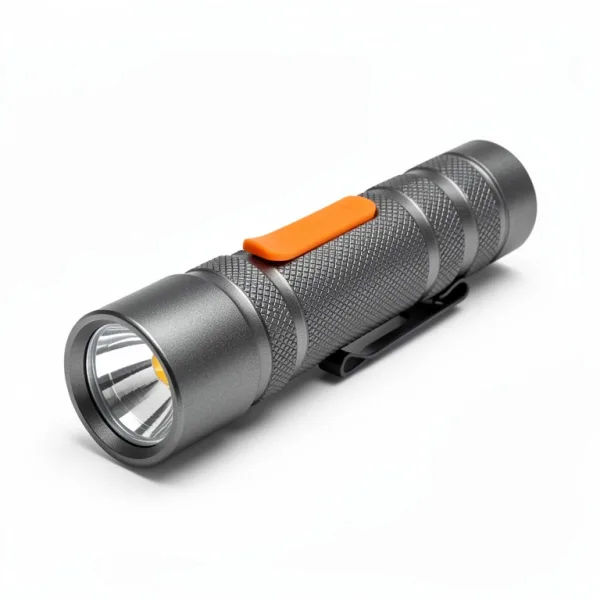
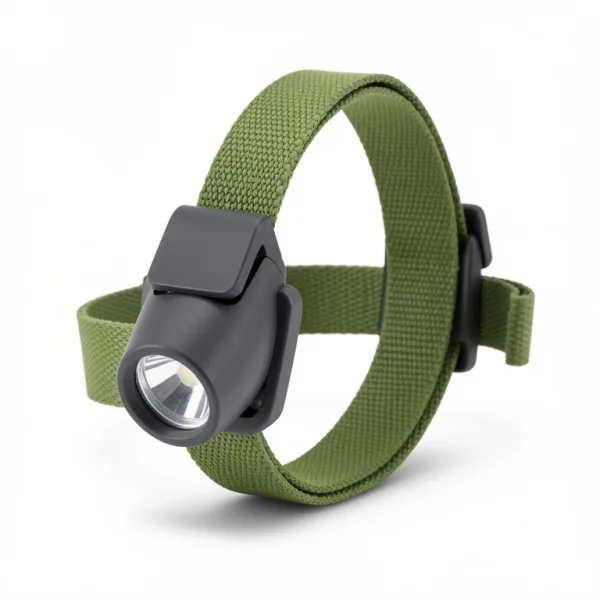 Spark 200 Headlamp
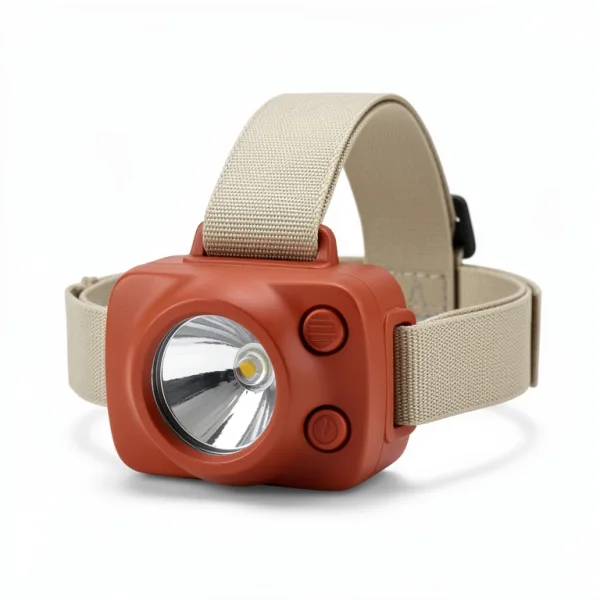
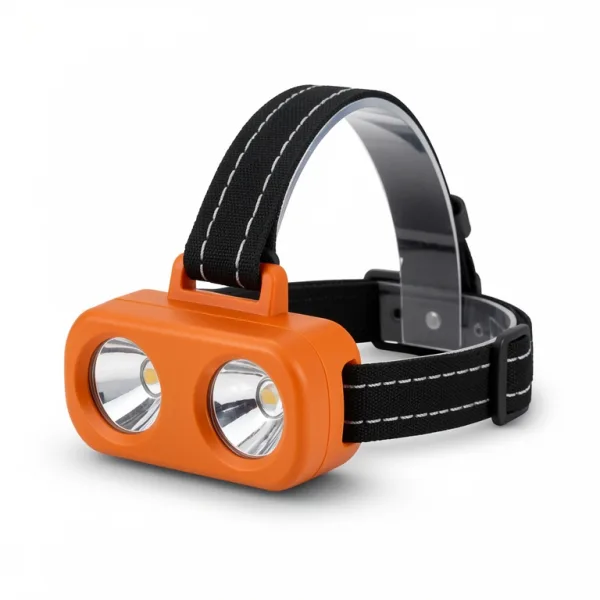 Glint 350 Dual-Beam Headlamp
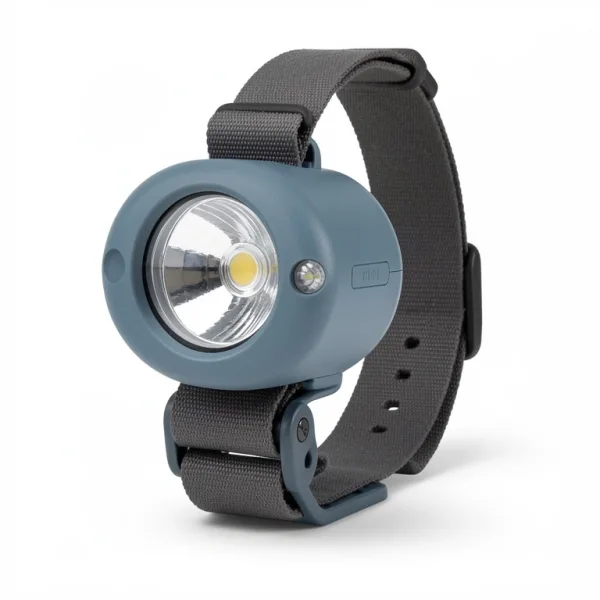 Vesper 450 Reactive Headlamp
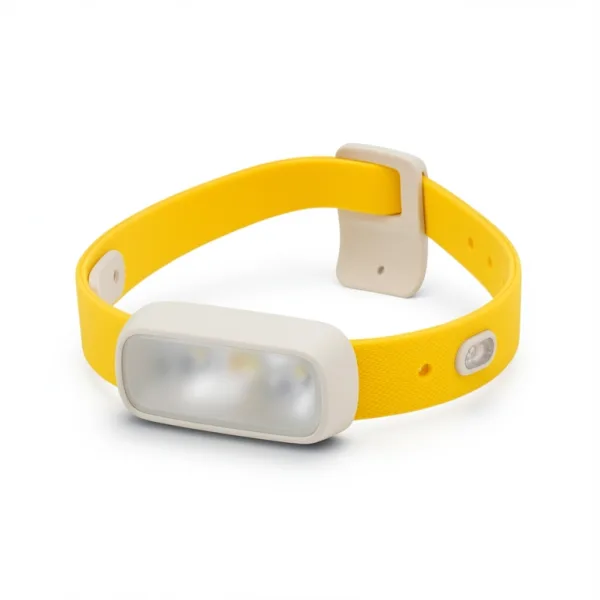 Pacer 500 Running Headlamp
Forgiving, and exact first.
Typo tolerance is on from the start, tuned for product names. Did you mean, compound words and related results turn on in the index's settings when your catalog needs them.
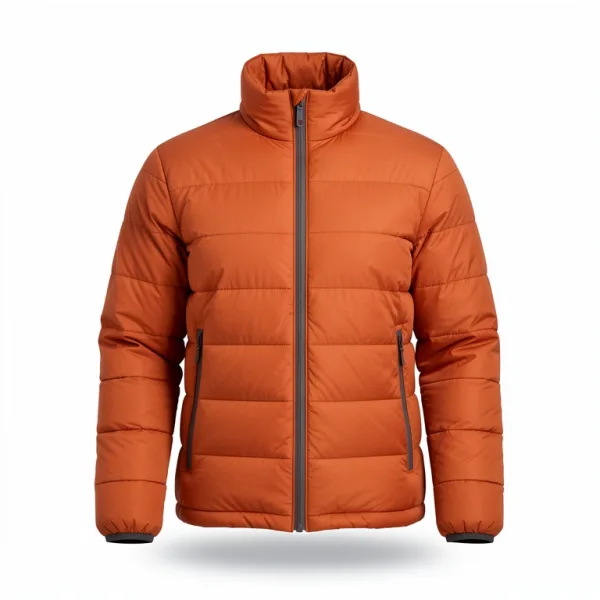 Larchmere Down Jacket
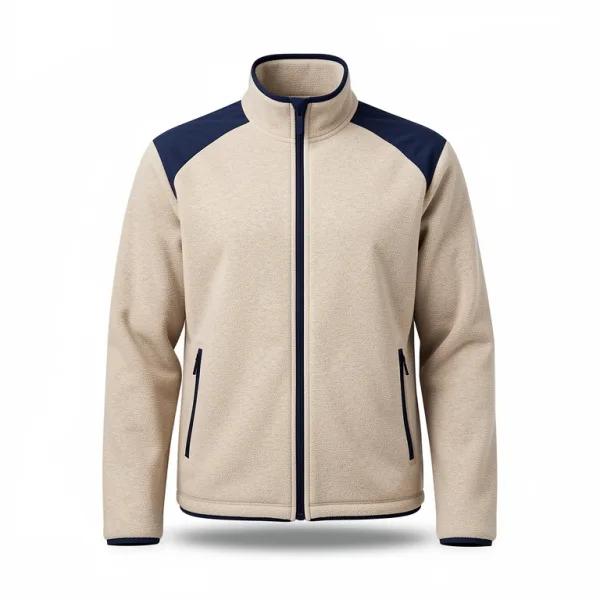 Highmoor Fleece Jacket
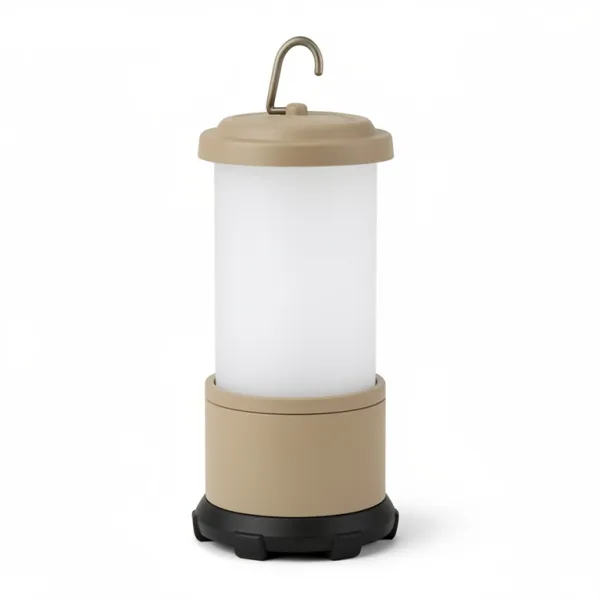 Driftglow Camp Lantern
Typos, swapped letters and half-typed words.
Query words match as prefixes, with one typo in words of four to six letters and two in longer ones, and with two neighboring letters swapped. Exact matches rank above prefixes and typos, so near misses never crowd out a search spelled right.
- Prefixes start at three letters, so
jackalready finds jackets while the shopper types. - Numbers always match exactly, so a model number never finds its neighbor.
- Case and accents never matter, and letters such as
øandßmatch their plain spellings:kobenhavnfinds København.
Did you mean, for typos that go further.
When typo tolerance changed a word, the search says so, for a line such as Showing results for rain jacket. When a search finds nothing, it can ask for a correction that goes further: letters left out, words run together, or a word typed apart.
- A suggestion is offered only if it finds results with the same filters.
- Corrections look like typing mistakes: a letter left out or doubled, two swapped, or a key next to it. A brand you don't sell gets no suggestion, rather than a word that's merely close.
- Suggestions use your records' spelling, accents included:
kafesuggests café. - Asking for one doesn't count as a search. React's
DidYouMeanasks once typing stops.
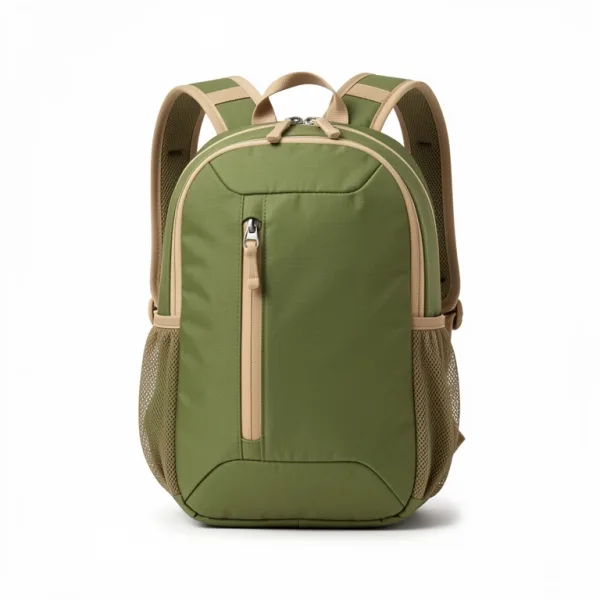
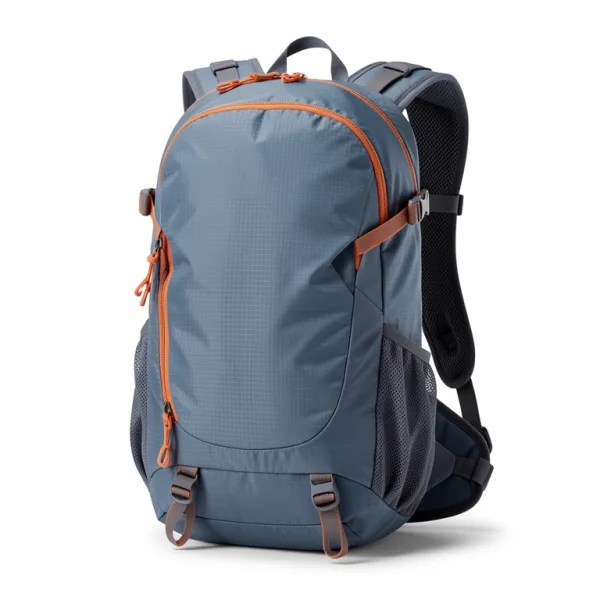
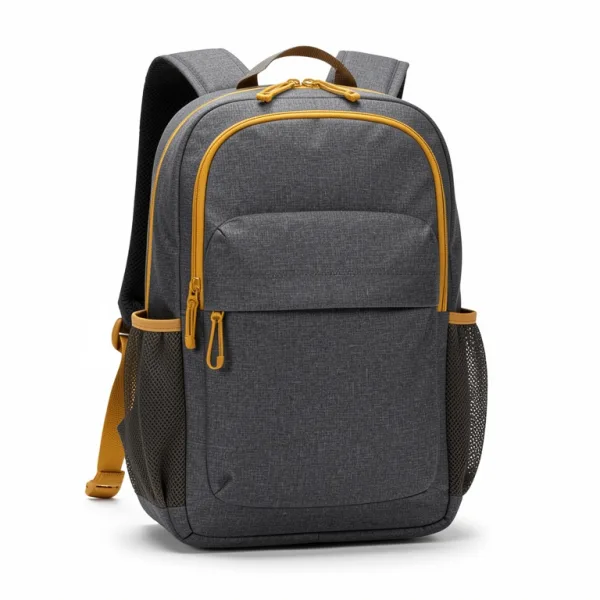
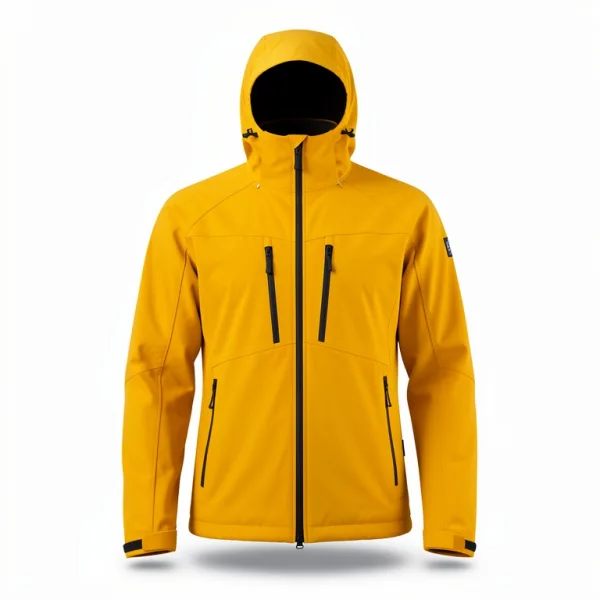
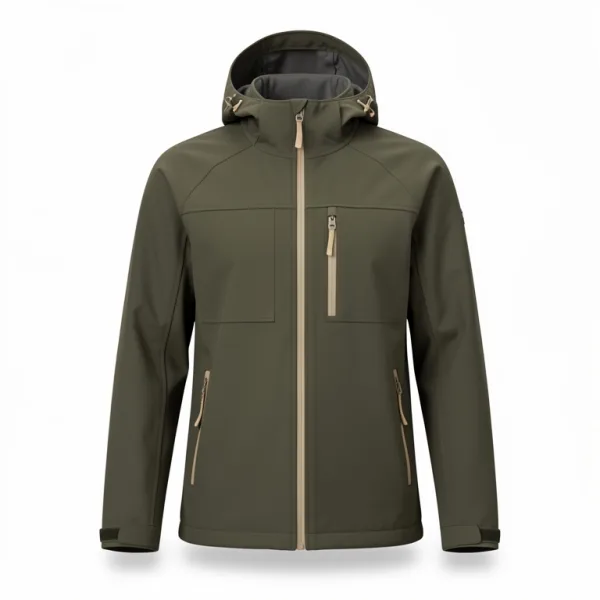
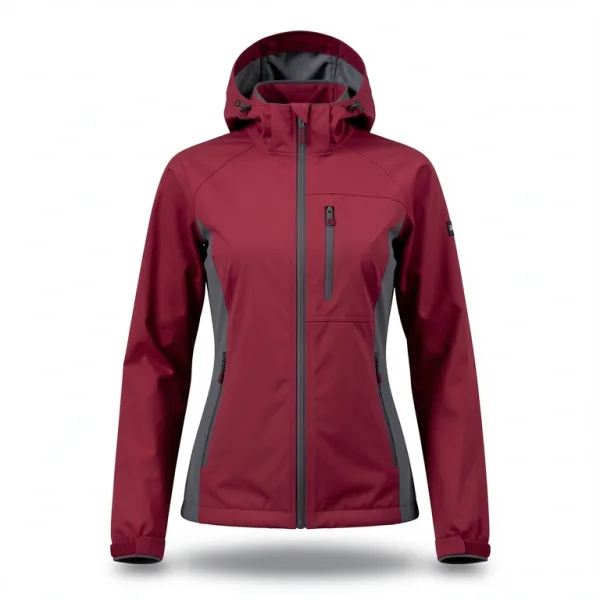
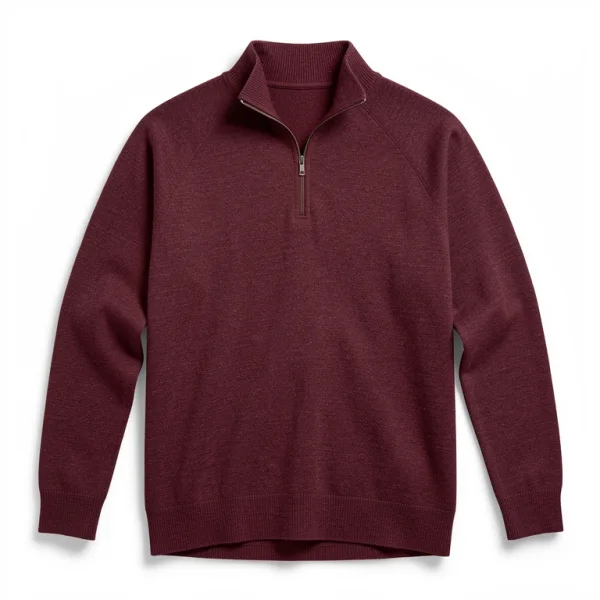
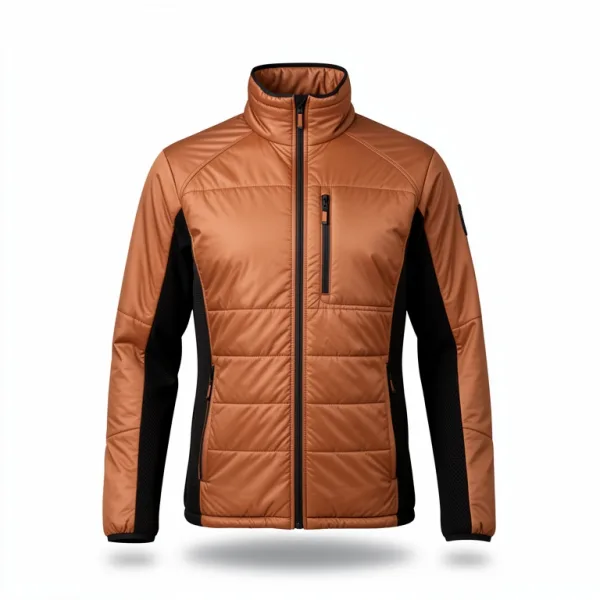
Compound words, together or apart.
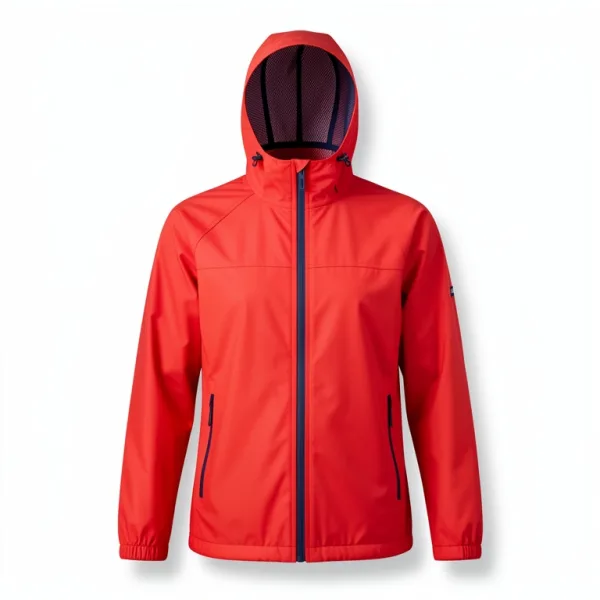
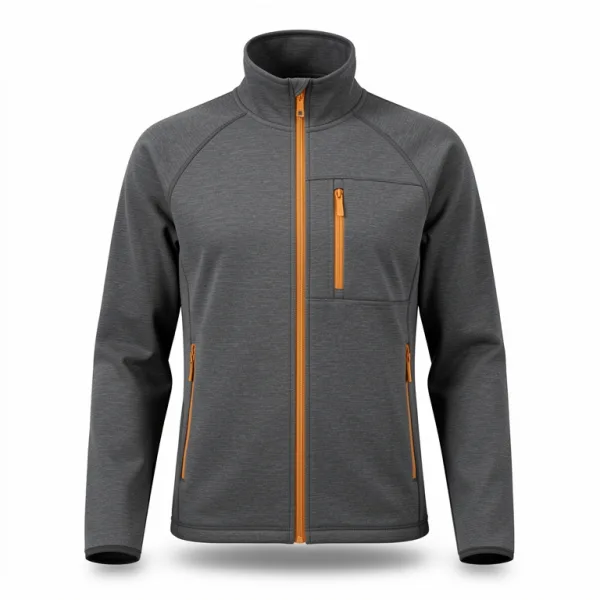
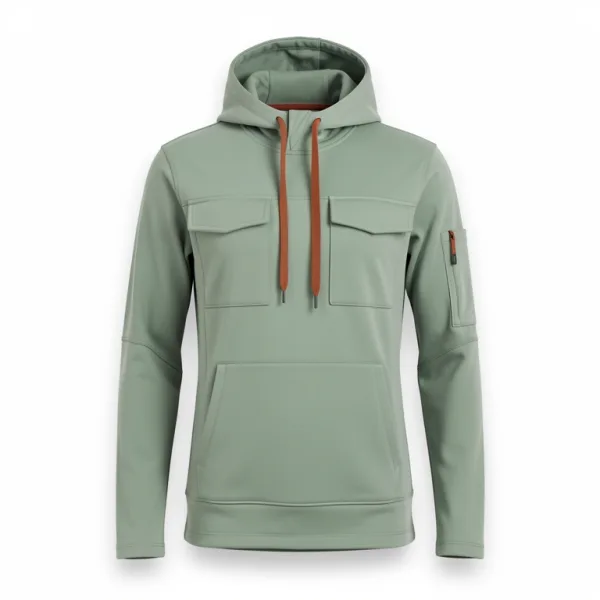
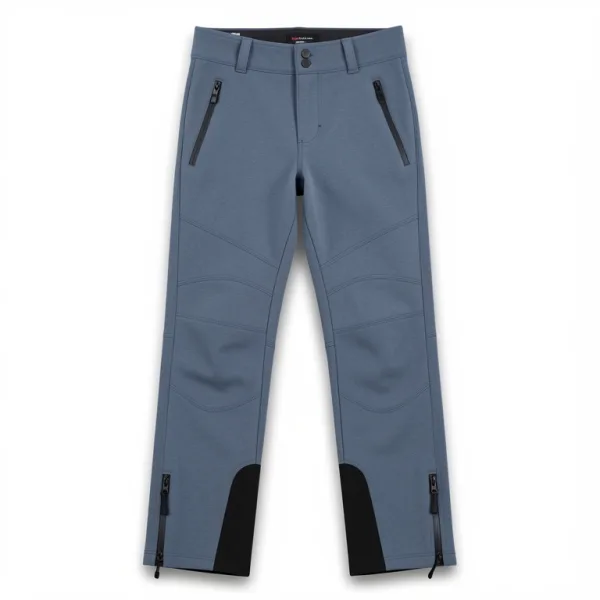
Catalogs write the same thing both ways: softshell and soft shell, daypack and day pack. With compound words on, searches find both, in every language, and most in languages full of compounds, such as Icelandic, German, Danish, Norwegian and Swedish.
- Compounds come from your own records: a word of six letters or more that two other words of the same field make up.
- A compound match counts for less than an exact match or a synonym, so exact matches still come first.
- In the playground, Why this result? says compound word, and the highlights mark both parts.
 Lodestar 900
 Beacon 700
Related results, when no word matches.
When a search's words find nothing, related results show the products closest to it in meaning, under a heading of their own. They catch what spelling can't: another word for the thing, or a description instead of a name.
- Searches that find something don't change, and analytics still count the search as one that found nothing, so you see what to fix.
- The cut-off is set on your own searches that found nothing, so that at most about 1 in 20 shows a poor first result.
- Filters still apply, and React's
Hitsshows related results under their own heading. - On paid plans, for indexes of up to 200,000 records.
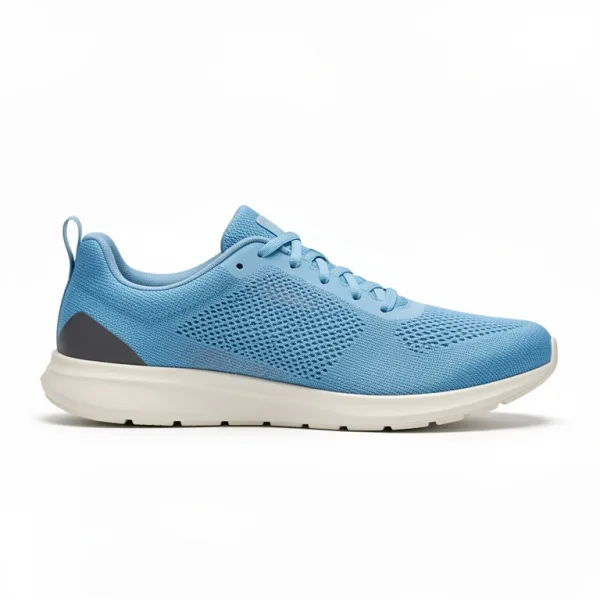
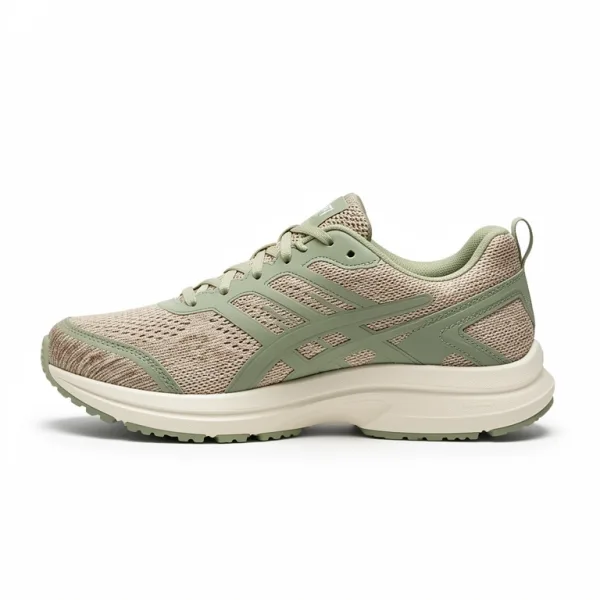
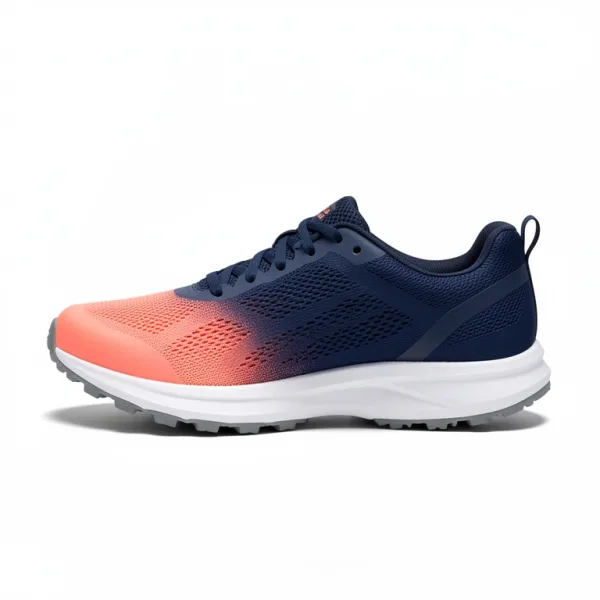
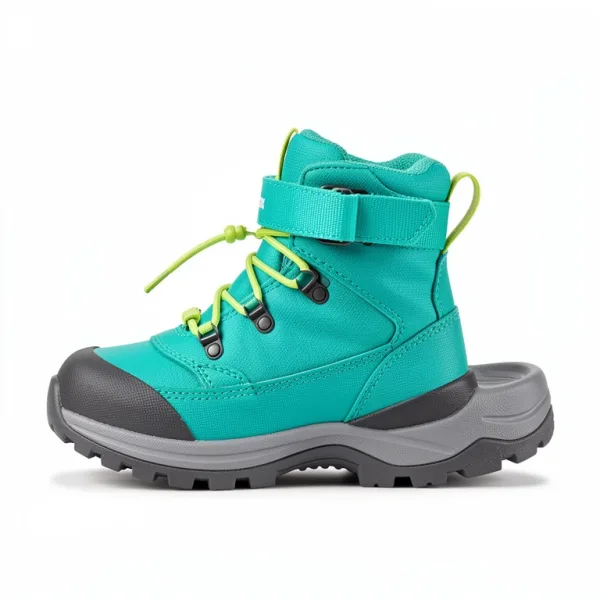 Kids' Scamper Hiking Boot
Your shoppers' words for your products.
Synonyms cover the words your records don't use, such as trainers for running shoes. With your store's languages set, plurals and small words take care of themselves.
- A synonym group matches both ways, phrases included:
trainersfinds running shoes, andrunning shoesfinds trainers. - One-way synonyms widen one search only:
shoescan find boots whilebootsfinds only boots. - Set your languages, from Danish, German, English, Icelandic, Norwegian and Swedish, and
boxesfinds box,shoes for kidsfinds shoes without the word for, andmuellerfinds Müller.
See why each result matched.
In the dashboard's playground, Why this result? shows how each word matched: exactly, as a prefix, with a typo, through a synonym, as a plural, or as a compound word. Searches from your server return the same with explain: true.
- A typo counts a tenth of an exact match, and a prefix a fifth, so exact matches come first.
- It also gives each result's rank first and custom ranking values, and the rules that moved it.
- AI agents read it too, to tune weights, synonyms and typo settings.
Strict where a near miss is wrong.
The defaults suit product names. Three settings make typo tolerance stricter where it should be.
typoWordLengthsHow long words must be
One typo from 4 letters and two from 7, by default. If short words find too much, raise them: with 5 and 8, boat no longer finds boot.
exactWordsWords without typos
Brand names and other words that match without typos in every field, though still as prefixes: with puma listed, it no longer finds pump.
typos: falseFields without typos
For SKUs and product codes, where a near miss is a different product. Their words match exactly or as prefixes, and other fields keep their typos.
On from the first search.
Typo tolerance needs no setup. The rest is a few settings, from the dashboard, your server, or an agent.
await products.replaceSettings({ ...(await products.getSettings()), searchableAttributes: [ { field: "title", weight: 8 }, { field: "brand", weight: 4 }, { field: "sku", weight: 4, typos: false }, ], exactWords: ["lumora"], // a brand name, without typos synonyms: [["trainers", "running shoes", "sneakers"]], languages: ["en"], didYouMean: true, compoundWords: true, relatedResults: { enabled: true },})
const results = await client.search({ q: "rian jacket" })results.didYouMean // { q: "rain jacket", applied: true, … }const none = await client.search({ q: "hedlmp" })if (!none.total) { await client.suggest({ q: "hedlmp" }) // { q: "headlamp", … }}
› Turn on did you mean and compound words, and check nothing breaks.
get_indexproducts · 286 records · typo tolerance on
compare_settings2 settings changed · 12 search tests pass
update_settingsdidYouMean on · compoundWords on
Good to know.
- Typo tolerance, did you mean, compound words, synonyms and languages are on every plan, Free included.
- Did you mean and compound words are off until you turn them on in the index's settings.
- Did you mean suggestions don't count as searches, though they count toward rate limits.
- New words in your records reach did you mean and compound words within about an hour.
- Up to 1,000 synonym groups and 1,000 one-way synonyms an index.
- Related results are on paid plans, for indexes of up to 200,000 records.
Questions, answered.
Will typos push the exact match down?
No. Exact matches rank above prefixes and typos: a typo counts a tenth of an exact match. A search spelled right gets the products spelled that way first.
What about product codes and brand names?
Turn typos off for a field such as your SKUs, where a near miss is a different product, or list brand names as exact words. Both still match as prefixes, and numbers always match exactly.
Does it work in my language?
Typo tolerance works in every language, and searches ignore case and accents. Set your languages, from Danish, German, English, Icelandic, Norwegian and Swedish, for plurals, common words and other spellings; Icelandic doesn't match plurals yet. Compound words help most in Icelandic, German and the Nordic languages.
What does a shopper see when nothing matches?
With did you mean on, a link to a corrected search that finds results. With related results on, the closest products in meaning, under a heading of their own. Either way, the search shows in analytics as one that found nothing.
Can I fix a search that still finds nothing?
Yes. Search analytics list searches that keep finding nothing and say why, with a checked synonym to add in one click where a typo or another word is the cause. You can also add synonyms and rules yourself.
How do I see why a result showed up?
Open the index's playground in the dashboard and choose Why this result?. It shows how each word matched, the ranking values, and the rules that moved the result. From your server, search with explain on.
More features.
Merchandising
Pin, boost and hide products on category pages and searches, and run campaigns that start and end by themselves.
Read moreRecommendations
Products that go with each product, similar ones to choose instead, and products bought in the same orders.
Read moreSearch analytics
What shoppers search, what finds nothing and why, where they click, and what search sells.
Read moreEvery feature
Search, filters, merchandising, recommendations, analytics, and the rest.
See them allSearch that forgives, on every plan.
Upload a catalog and search it with typos straight away: typo tolerance is on from the first search, Free plan included.