Product search for WooCommerce that forgives typos.
Findlane Search for WooCommerce answers your store's search box as shoppers type, and your theme's own search results page. A shopper who types hikng boot still finds the hiking boots, the category and the size guide. Install the plugin, connect, and your products are in within a couple of minutes. No code.
Free for up to 10,000 products. Needs WooCommerce, WordPress 6.5 or later and PHP 7.4 or later.
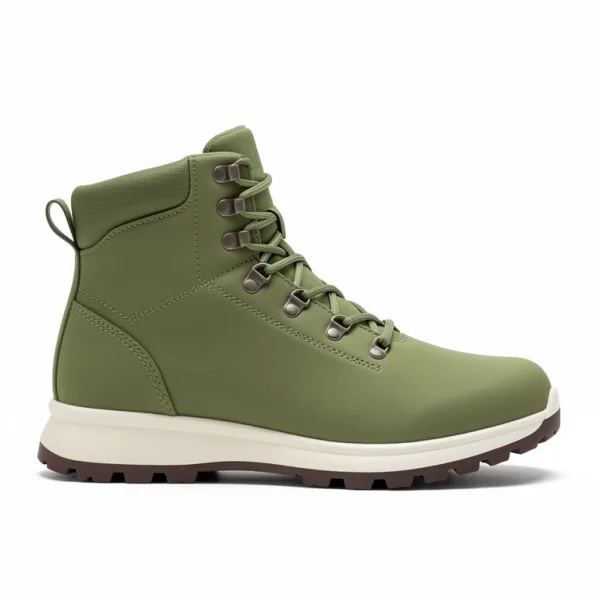
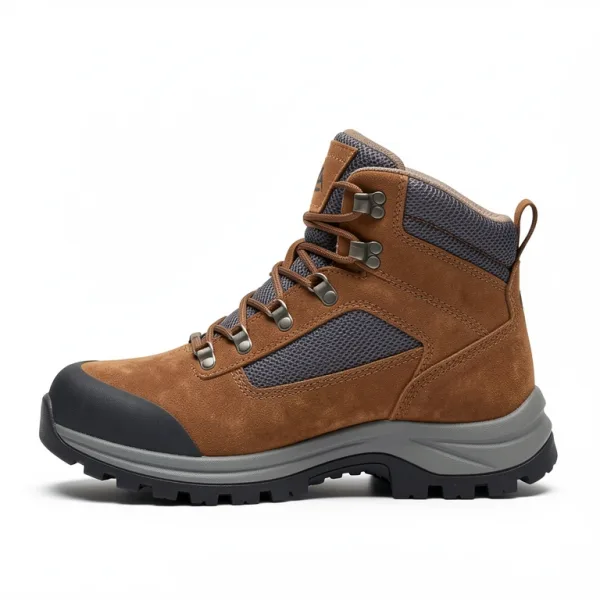
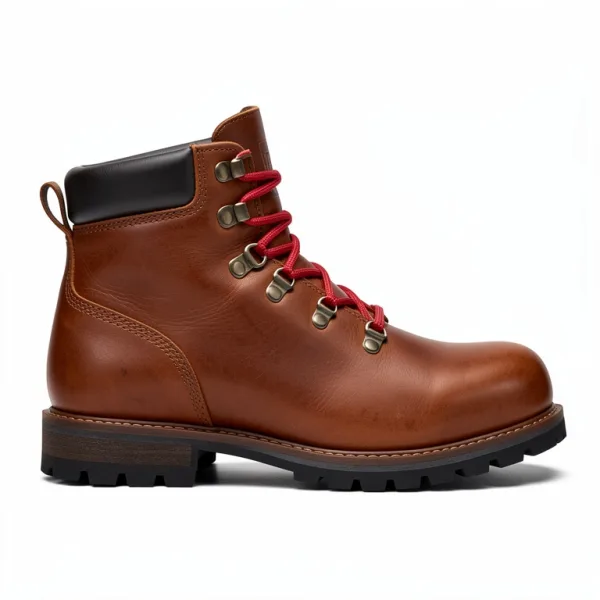
Your search box and results page, answered by Findlane.
The plugin changes what shoppers see in two places, and keeps your products in step behind them. Your theme stays as it is.
Products, categories and pages as shoppers type.
WooCommerce's product search boxes, classic and block, show products with photos and prices from the first letters. Up to three of your categories and two of your pages show above them, in the same search.
- A typo or two still finds what they meant:
sise gidefinds the size guide page. - Categories and pages are subindexes of the store's index, so they don't count among your plan's indexes, or as extra searches.
- Turn on Every search box in the plugin's settings, and your theme's header search box answers too.
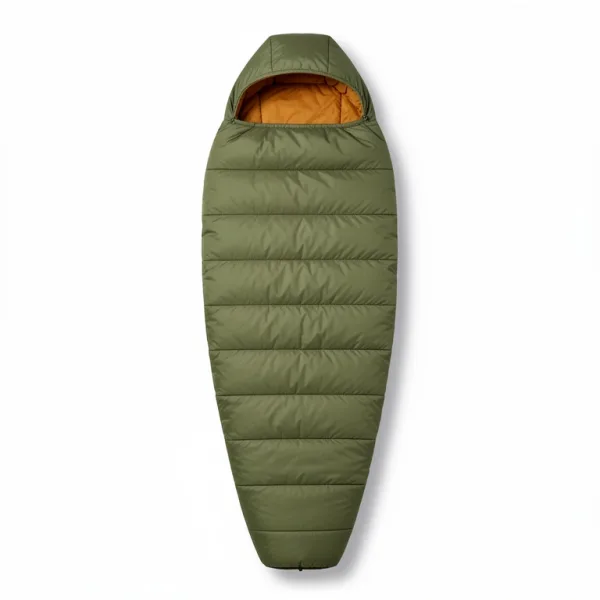 Owlet 20 Down Sleeping Bag
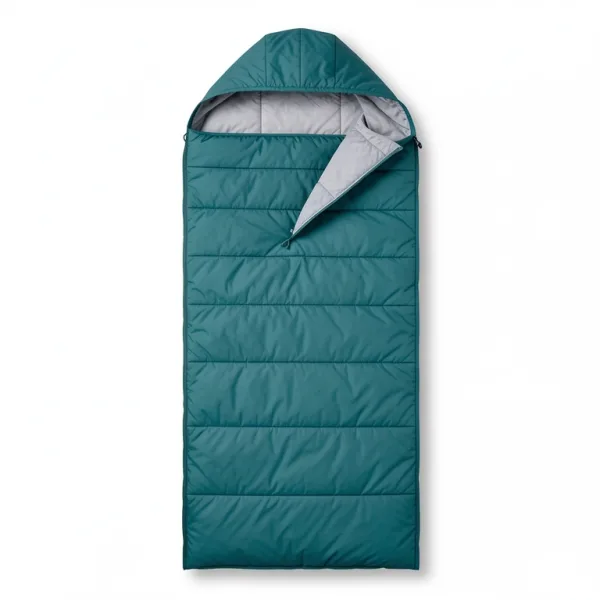 Driftwood 30 Synthetic Sleeping Bag
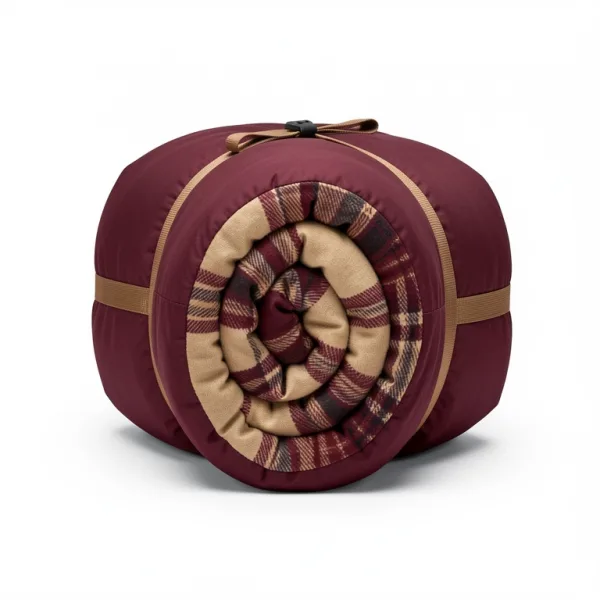 Hearth 40 Rectangular Sleeping Bag
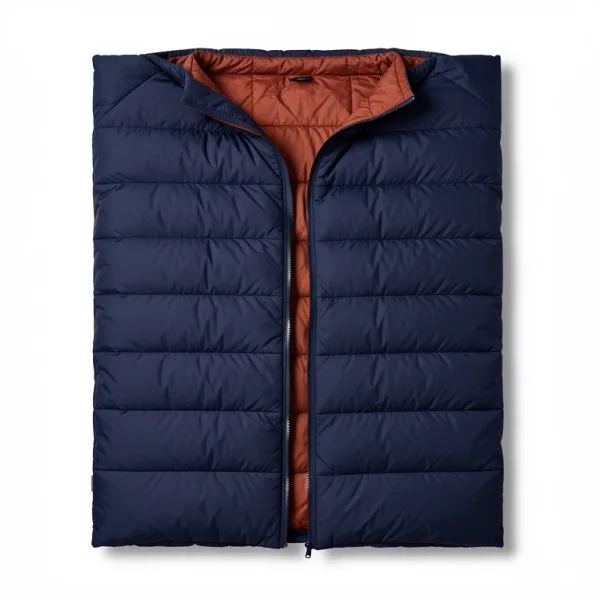 Twinbrook 30 Double Sleeping Bag
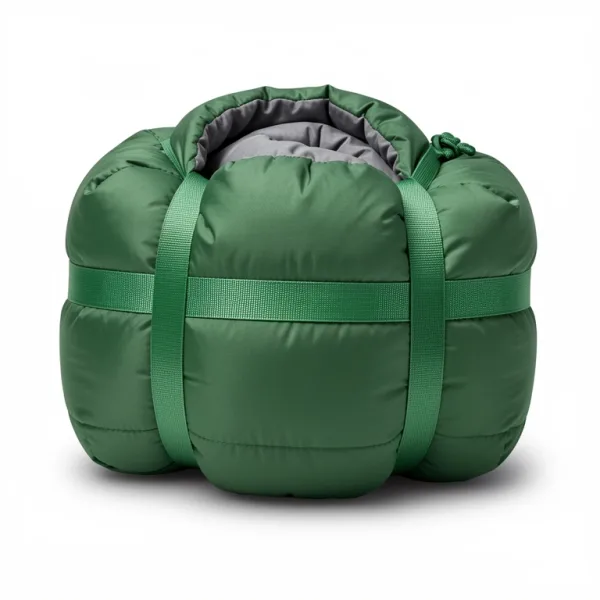 Harbor 30 Down Sleeping Bag
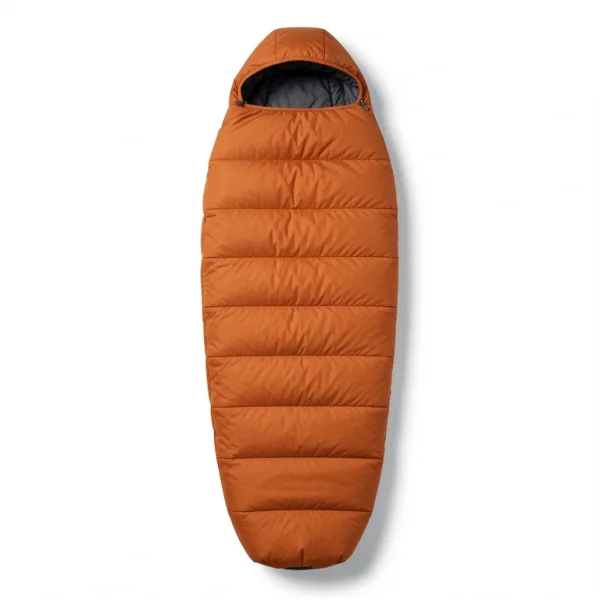 Emberline 15 Down Sleeping Bag
Your theme's results page, in Findlane's order.
When a shopper presses Enter, your theme's own search results page lists Findlane's results, with its grid, paging, sort menu and WooCommerce's filters as they were.
- Did you mean shows above the results on classic themes.
- If a search errors, answers slowly, or uses a filter the plugin doesn't know, such as FacetWP's, WordPress answers it instead. The shop never breaks.
Your products, kept in step.
Findlane reads your products when you connect. Changes reach it within a minute, and a full read every day catches anything a scheduled job missed.
- Variations are part of their product: one result for each product, pointing to the variation the search matched.
- A read that would empty the index, or remove more than half its products, is held, and you're emailed.
- The plugin's Sync now button reads everything at once.
See what your shoppers search for.
The dashboard shows your store's searches, the ones that found nothing, what shoppers clicked, and the revenue that came from search. A summary comes every Monday by email.
- Paid orders, if you choose them, give Bought together and revenue from search: products, quantities and prices, never who bought them.
- Clicks and product views are sent only when the shopper allows statistics, through a cookie banner that supports the WP Consent API.
Set up in three steps.
Nothing to code, and nothing to change in your theme.
Plugins → Upload Plugin1Install
Download the zip and upload it in WordPress. It needs WooCommerce, WordPress 6.5 or later and PHP 7.4 or later.
Download the pluginWooCommerce → Findlane2Connect
Choose Connect to Findlane, sign in or create an account, pick an index for the store, and whether paid orders count. You come back to WordPress.
Your search box3Search
Findlane reads your products and sets the index up for a store: names, SKUs, brands and categories searched, filters, and WooCommerce's sorts. Then type in your search box.
Good to know.
- The plugin is in beta. Download it from this page, and tell us how it goes at hello@findlane.dev.
- It works with classic and block themes, and with WooCommerce's classic and block search boxes.
- If your theme or another plugin has its own live search, such as Flatsome's, Woodmart's, FiboSearch or Advanced Woo Search, the plugin's page says so. Turn that one off.
- Wording follows your site's language. The plugin has Icelandic, and the rest comes from WordPress's translations.
- Translation plugins such as WPML and Polylang aren't supported yet: the index holds one language.
- Disconnecting puts WordPress's own search back at once, and your index keeps its products.
Questions, answered.
Will it slow my store down?
The search box script is about 9 KB gzipped. It loads from your own site, deferred, after the page. Searches as shoppers type go from the browser to Findlane, not through your WordPress server.
What does it cost?
Free for up to 10,000 products and 10,000 searches a month. Starter is $19 a month for 50,000 searches. Categories and pages come free with the store's index, and searches by crawlers don't count.
Do I need a developer?
No. Install the plugin, connect, and your theme's search box and results page use Findlane. Synonyms, rules and the rest are set on the dashboard.
What does the plugin send to Findlane?
Your published products, and searches with the shopper's address and browser for rate limits and crawler rules. Paid orders only if you choose them, without who bought them. Clicks and views only with the shopper's consent. Nothing is sent before you connect.
Can I try it before installing?
Search our demo shop at woocommerce-shop.findlane.dev, a WooCommerce store with 286 made-up products and the plugin connected. Try it with a typo or two.
Better search for your WooCommerce store.
Install the plugin and connect it to a free account. Your products are in within a couple of minutes.